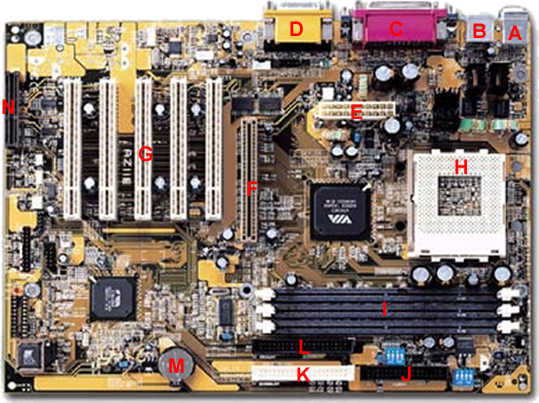
First you have to place the motherboard in the case so that its holes are lined up with the cases holes.
-
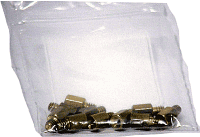
Into each of those case holes screw in a BrassRiser; also known as a standoff.(Some cases come with plastic snap in risers). The risers keep the motherboard from touching the metal computer case and causing a short.
-
When the risers are in position, place the motherboard over the risers so that the holes and the risers correspond.
-
Fasten the Motherboard to the risers with the provided screws. If they come with washers, use them, as this will prevent the screws from accidentally shorting the Motherboard.
Next you need to install the various wires that connect your Motherboard to the computer case and power supply.
-
Connect the ATX power supply to the Motherboard. This is a Big white 20 pin connector that plugs into the motherboard. It is keyed so don't worry about installing it the wrong way.
-
Your Computer case has connectors for your power and reset buttons as well as LED connectors that show system activity. Consult your Motherboard manual to see where in the motherboard these connectors should be placed.
|