"I Share For The Better"
Lesson 9: T-shirt
-
Steps:
- Open Adobe Photoshop Cs 3 or any version will do such as Cs 3, Cs 4, Cs 5 or Cs 6.
- Open the image that you will need, go again to the Application bar then click the file button. When the pop-up menu appears click the "Open" button. Open the neccessary image such as the plain white t-shirt
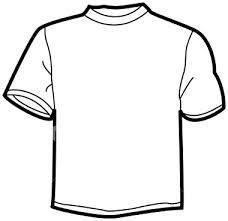
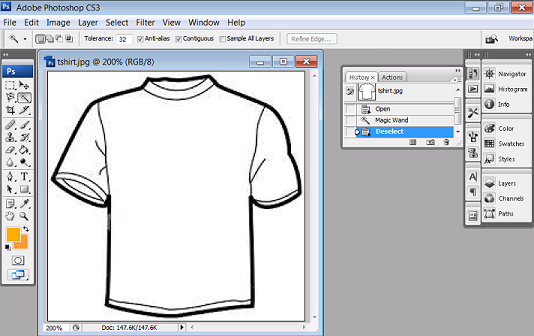
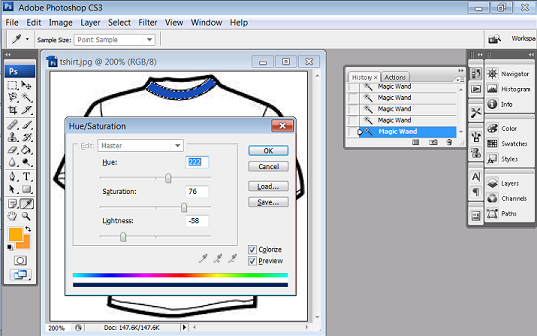
- On the original image, use the magic wand to select the parts of the shirt . Select first the neckline then press Ctrl+u for hue and saturation.
(Peeled Sticker)
(Futuristic Grunge)
(T-shirt)
(Hair Color)
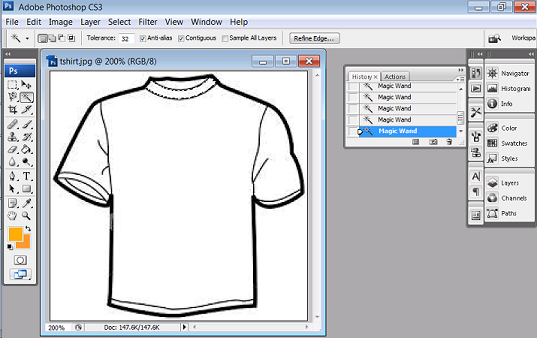
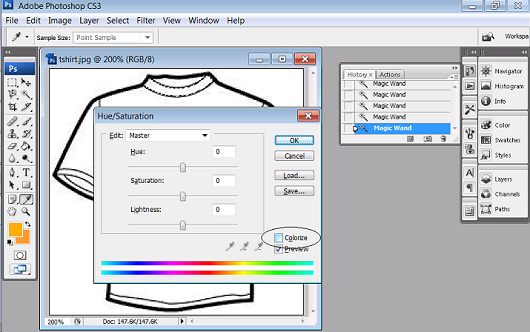
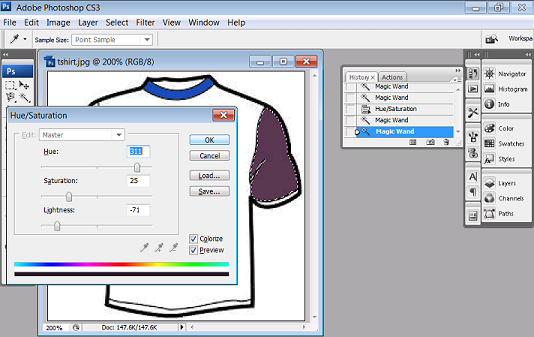
6. For the body, repeat the processes as mention above.
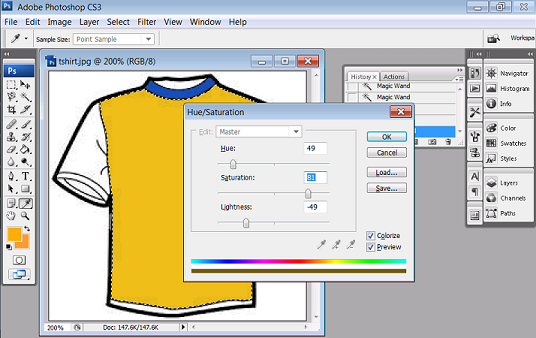
7. You can add some detais such as texts or creative designs such as using brushes.
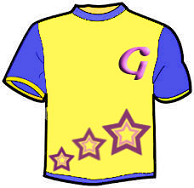
9. Congratulations now you have learn another use of Adobe Photoshop!