|
1.4
Choose
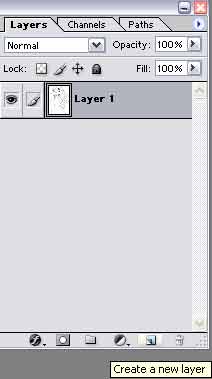
the Layers tab, select
Layer 1 (or Background). Follow this input sequence:
D
> X > Alt + backspace
Layer
1 should now be completely white.
Press
the Create a new layer button at the bottom. You should see
a new layer appears on top of Layer 1 called Layer 2.
Select
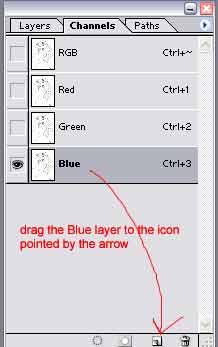
Layer 2, press Alt + S then L. From the Channel drop down
menu, select Blue Copy then Ok. Press D, X then Alt + Backspace.
Now
the lineart appears on Layer 2 and you can colour whatever
you want below this layer without interrupting the lineart!
Rename
Layer 2 to lineart.
|