
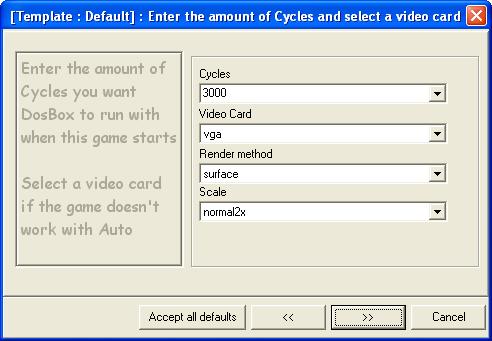
Whether to change the cycles depends on the game and varies for different games. A suggestion
is to leave it as default first and try the game out. You can always change this option later.
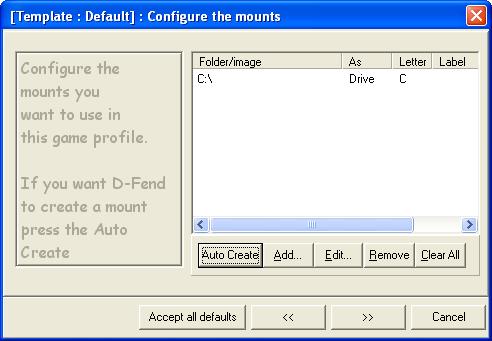
13. Let's assume that this is one of the normal cases. After clicking "Auto Create", click ">>" to
continue. Click ">>" 5 more times and then click "Finish".
14. A game profile will appear. In this case, the game profile is "Pushover". Go through the same
steps to create game profiles for other games.
15. To run the game, double click on the game profile.
(To edit other options, refer to the other options section)