This is a simple guide to help you get to setting up dosbox to so that you can get your game up and running. It involves just the basic steps for those new to using dos emulation and have no dos knowledge.
1. Download Dosbox and D-fend (a windows front-end for doxbox).
(For those users who want a greater challenge or prefer using dos instead of using a windows
front-end can refer to this.)
(For those users who want an easy way to use dosbox using a windows front-end can continue
reading the Dosbox guide below. An advantage of using D-fend is that it can manage different
mounts for different games. Once the game profiles are set-up, only you need to do is double
click a game profile to start a game duing future usage.)

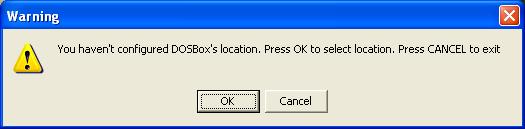
3. After installation, run D-fend. You will see the following message (see screenshot). Click "OK".
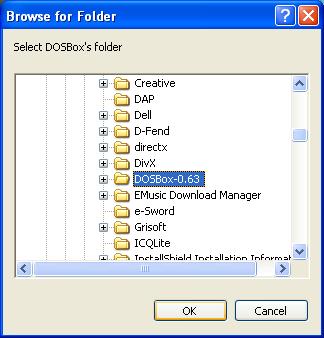
dosbox run a game.
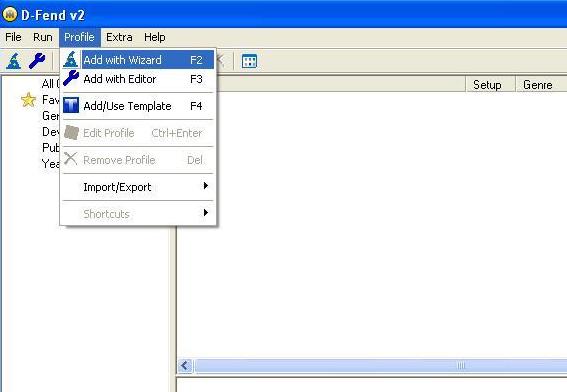
6. From the menu, clcik Profile and choose "Add with Wizard".