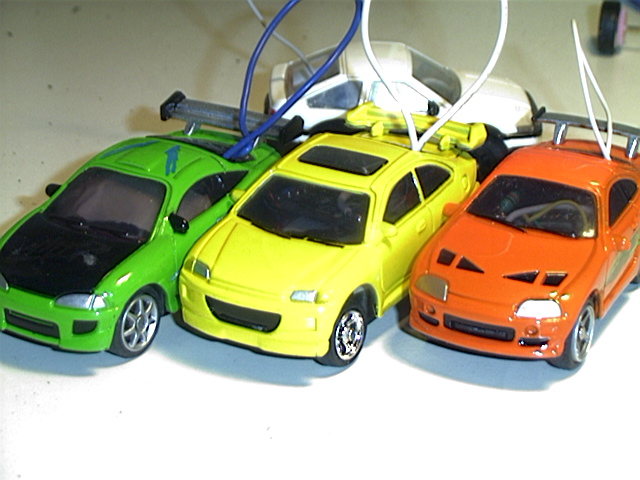

So you wanna do a 2 cell mod!? You've come to the right place my friend. In my opinion this mod is very easy in a ZZ.
Tools you will need:
1)Soldering Iron
2)Small Phillips (+) and Flat (--) screwdrivers
3)Small wire cutters and strippers
4)Small pliers
5)Razor or X-acto knife
6)Rotary tool (Dremel)
7)Small Vise-Grips (OPTIONAL)
8)Project holder (OPTIONAL)
ZipZaps 2 cell mod: (Chassis preparation)
1)Remove car body from chassis by un-latching the front first.
2)With a small flat screwdriver (or long fingernail) carefully un seat one corner of the PCB cover. Then slide the other side off. You do not have to break the little tabs.
3)Now the cover is loose, slide the antenna wire though the loop and put the PCB cover aside. Be VERY CAREFUL of the PCB and it's wires. Notice the little hair thin wires? Those control your steering, do NOT damage any of these wires.
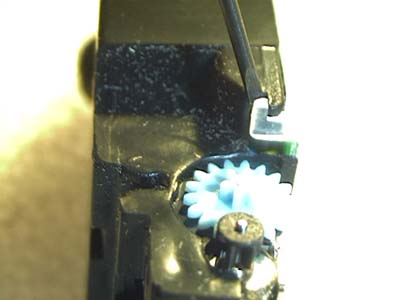
4)ZipZaps give you generous room to work with. The wires should be long enough for you to work around them. At the bottom of the ZZ chassis you will see a raised square piece of plastic. This needs to be removed. I don't recommend razors or x-acto knife for this because it's at an awkward angle. I suggest a Dremel or some good Vise-grips. With the Dremel, it's easy to cut it down. With the Vise-grips you need to adjust the jaws so they are closed with no force. Then you just need to clamp the Vise-grips on to the raised plastic, and squeeze. The plastic should snap off cleanly. I've modded quite a few ZZs this way, so try what you feel comfortable with. WATCH THE STEERING WIRES!
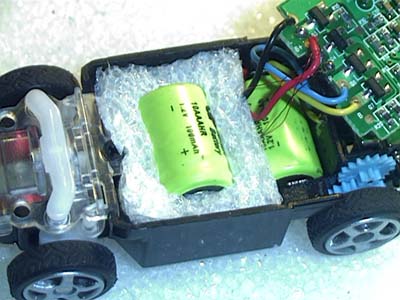
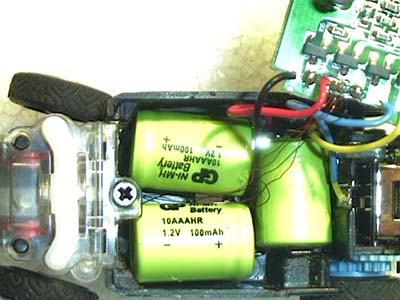
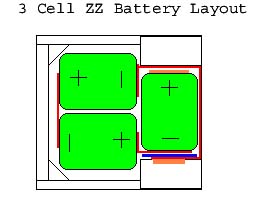
5)Now that the plastic is out of the way you can test fit the chassis for the extra battery. You will notice that there is room for 3 cells in there!! (future mod)
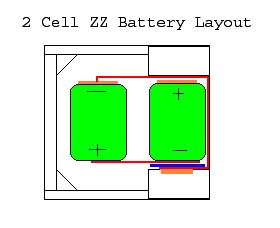
2 Cell Mod (Battery Layout)
3 Cell Mod (Battery Layout)
.
Batteries Wiring: (connector/insulator preparation)
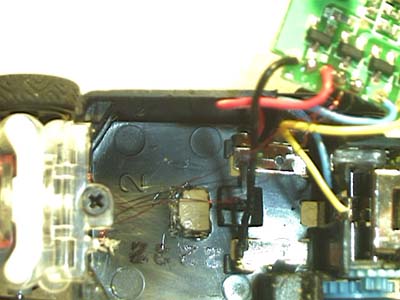
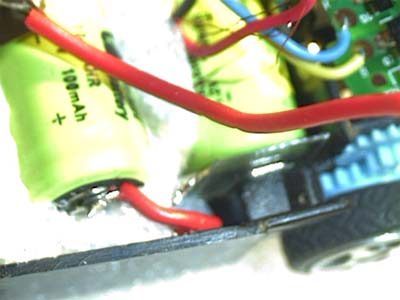
1)For our project car to work, we need a working electrical circuit. All batteries have a positive and a negative terminal. With the batteries shoved into the chassis, we can see where we need to make some connections, and block some other connections we don't need anymore. (like on the negative side of the charging contact)
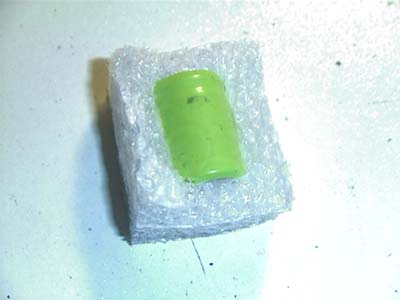
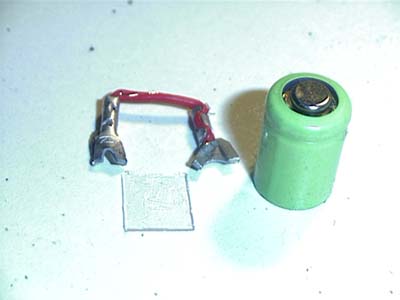
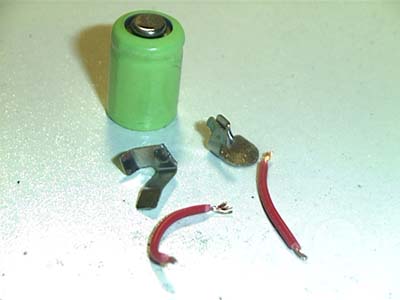
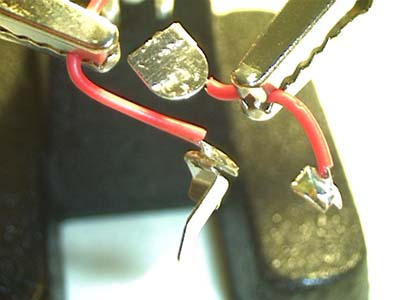
2)I personally don't like to solder onto a battery, you can buy batteries with solder tabs already on them if you like. I prefer to make small battery contacts out of un-insulated electrical crimp connectors and a short bit of wire. This way I can easily change my batteries, although I never had to yet.
Scrap pieces of metal contacts from dead project cars.
3)For ZipZaps I cut my small piece of insulating material from the plastic packaging material that came with my car. I cut it slightly larger than the diameter of the battery. I will use this piece to insulate the 1st battery's negative terminal from the negative side charging contact. Leave the positive side of the 1st battery alone. The only thing that should be touching the 1st battery's negative terminal is the connecting wire that will tie the 1st battery to the 2nd battery's positive terminal.
4)The last battery in our chain (2nd, or 3rd) needs to have the negative terminal connected to the negative charging contact with some connecting wire, or we don't have a complete circuit. I find it easier to connect this wire to the ground terminal of the PCB. If you are hesitant about soldering upon your PCB, you can also solder this wire to the negative charging contact (this is best done with the contact out of the car).