Monicca Warjanto's Site

Home | AboutMe | Resume |Skills| IT |FAQ |News


Lab Report

Week II

Labs Covered:
  • Physical Security Assessment. Ethereal Labs from Computer Networking: A Top Down Approach
  • Traffic Analysis Using Linux
  • Port Scanning Utilities for Windows
  • Active Stack Fingerprinting Using Windows
  • Enumeration Using LANguard in Windows
  • Generic Enumeration Using Windows
  • SNMP Enumeration Using Windows

Lab Selected: Traffic Analysis Using Linux

Title: Traffice Analysis Using Linux

Explanation:
Traffic analysis is the process of intercepting and examining messages in order to deduce information from patterns in communication. It can be performed even when the messages are encrypted and cannot be decrypted. In general, the greater the number of messages observed, or even intercepted and stored, the more that can be inferred from the traffic

Tools:
  • Using Ethereal
  • Tcpdump command line in the Linux konsole window

Procedure:
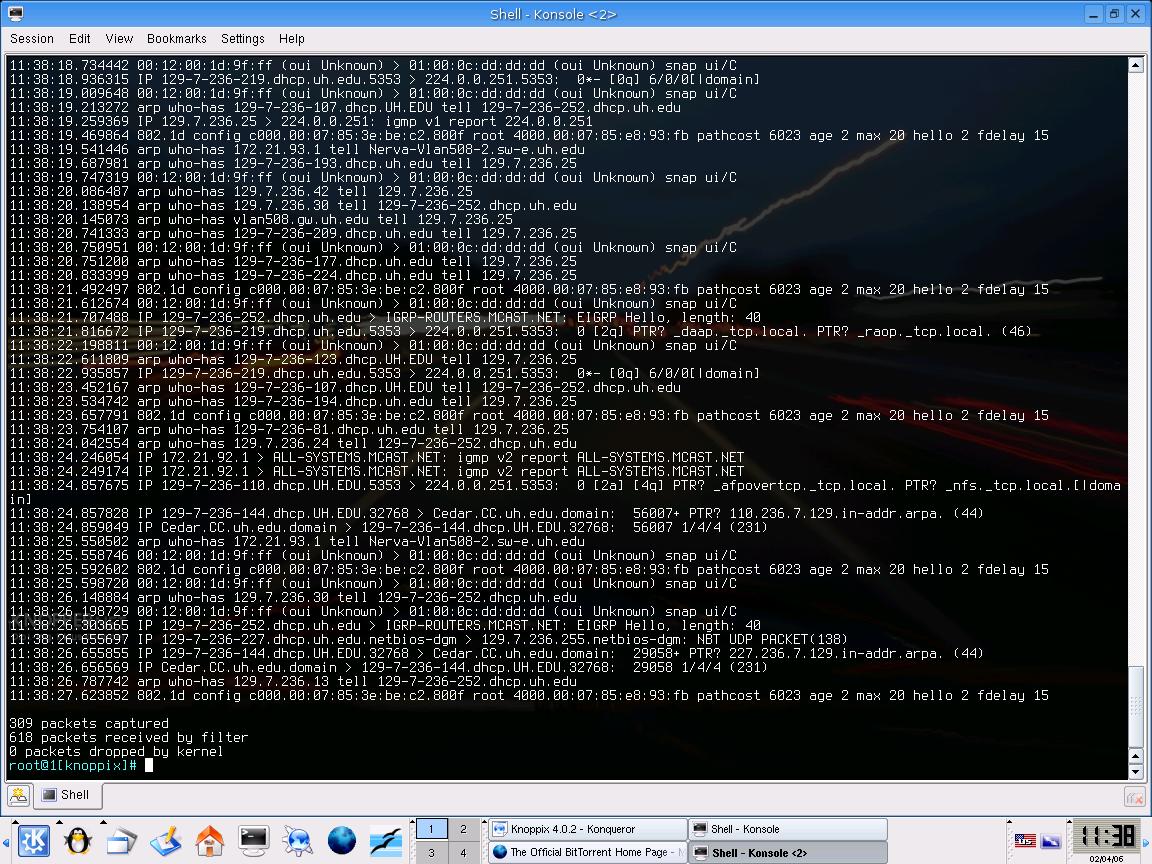
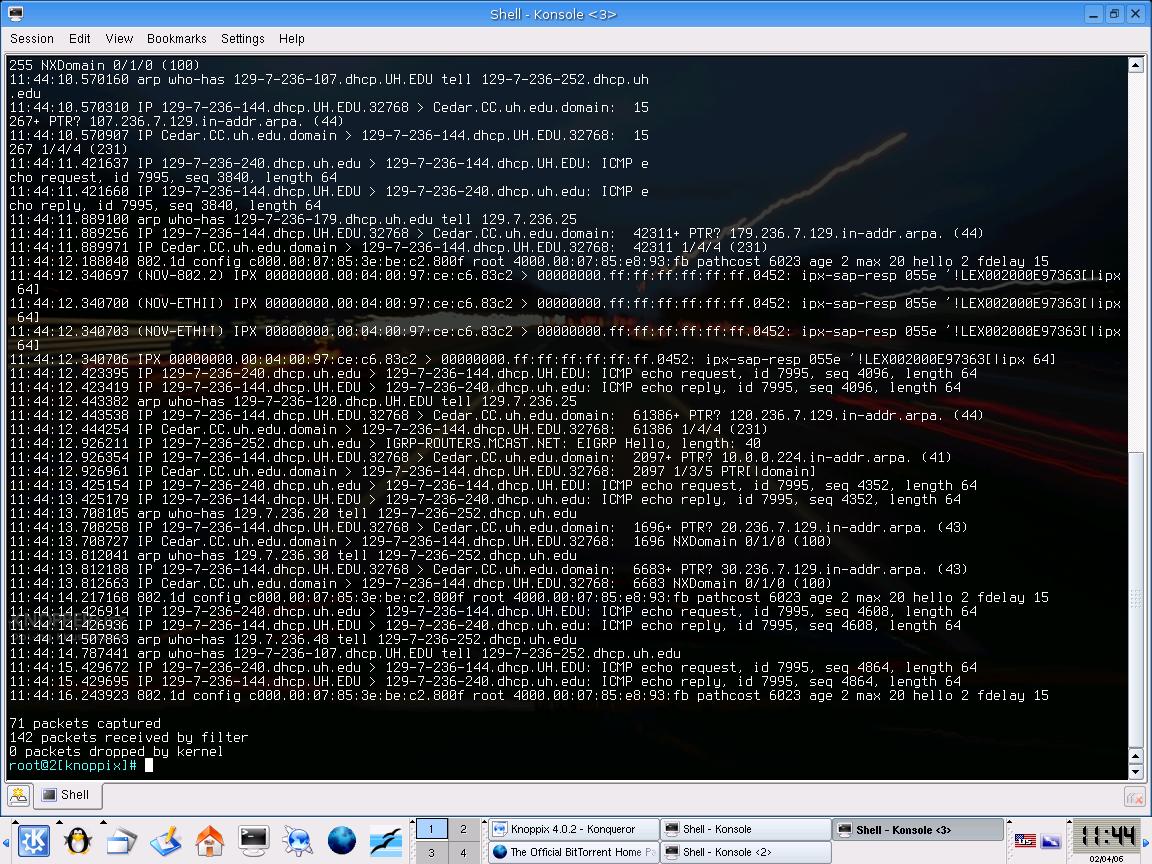
  • Using tcpdump. First open the konsole window and type tcpdump and press enter. Then, the window will list all the packages that are running in the network. If you try to communicate with another machine, your attempt will be recorded in the list as well as the other machine�s response.

    center

    Listed of packages captured using tcpdump
    center

    Lines showing attempt to communicate with another machine

Reflection:
The packet sniffing tool is an important tool to analyze if any unusual packet is sent or received in the network. More, by performing this sniffing tool, we can find out the address who sent that unusual package and which machine that receives it. Based on this information, we can be more alert in determining how safe our network is. Therefore, any necessary actions should be taken ASAP if huge number of unusual packets freely traveling inside our network.

Copyright ©2004 by Monicca Warjanto.
Hosted by www.Geocities.ws

1