Visitors
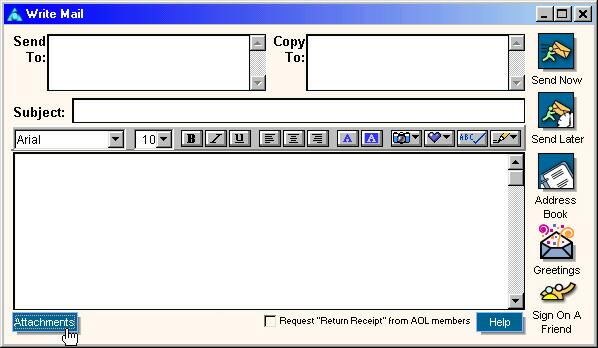
1. Click the "Attachments" button.
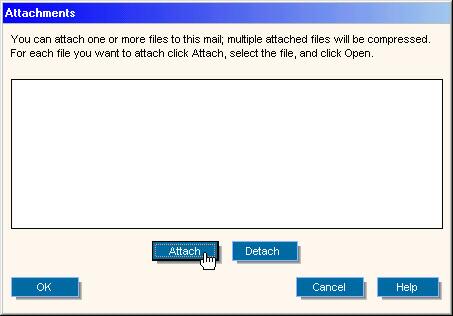
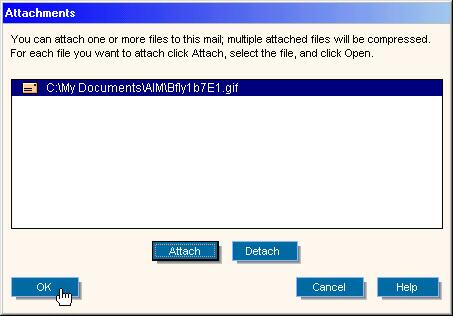
2. Click the "Attach" button.
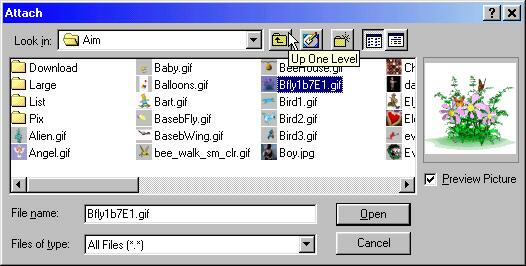
3.
- Browse to the file or picture that u want to send.
- Click on the file (in the figure, the file is "Bflyb7E1.gif").
- Click "Open".
4. Click "OK".
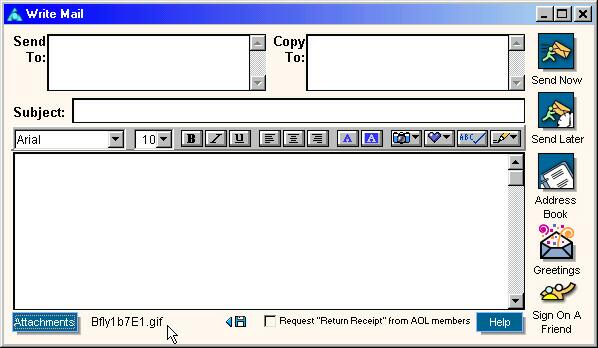
5. You will see the file name, which you just attached, at the bottom, next to the "Attachments" button. Now you can compose the e-mail and hit send.