
Farmhand can run on two basic types of device, Palms or Pocket PC's (PPC's).
They are both very similar in functionality, but because of extended capabilities of the PPC, that's the one currently recommended. The main reason for this is that you can have two bluetooth ports open at one time which lends itself to electronic ID if that's a possibility for you at somew stage. There's a trap here because pressing the red 'X' box at the top right corner like you would on a Windows PC doesn't close the program down but leaves it running in memory!
Also, you can run more than one job at a time on it. With the Palm, each program has to be closed down before another can start. This is a real irritation if you are in and out of FarmHand all the time to do other things on your device.
On this screen you have to choose which machine you are working woth or plan to use. If you just want to evaluate the program without having made a decision on what model to buy. If you plan to use Electronic ID, the best choice is a Pocket PC (PPC)
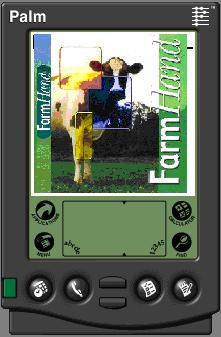
For PALM DEVICES (Palm Operating System)
including the Tungsten, TX, Treo 650 / 680 etc

For POCKET PC (Windows Operating System)
including the Treo 750, HP iPAQ etc
for a basic preview of what's new in this release
for a users documentation guide (relevant for all users)
for install notes for EasyDairy users
