Quick Links






Quick Links |
|||||
|
|
|
|
|
|
Step 4 - Final Adjustments before burning (DVD2one method won't need these adjustments). Overiew: Before we burn the dvd, we will do a few final adjustments such as removing the region code and getting the vts sectors so it plays in a consumer dvd player. |
Programs Required: -Ifoeditor |
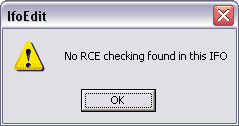
1. Open up Ifoeditor and open up the VIDEO_TS.ifo file we created in Step 3 (or Step 2, if the movie was small enough we didn't have to transcode or split). (in my example, C:\Temp\3\VIDEO_TS.ifo or C:\Temp\3\1 or 2\Video_TS.ifo (split movie). Then hit the Region Free button. This will popup. Click OK
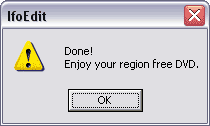
Then this will popup, click OK again.
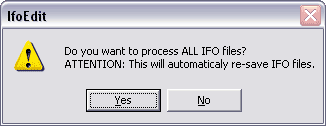
Then Click the Get VTS Sectors button. This will popup
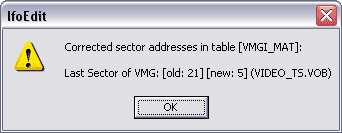
Click Yes. Then this message will popup a few times, just click OK on all of them.
Then Quit Ifoeditor, if it says that some files haev changed, do you
wish to exit? choose YES. Now off to the final step, burning the movie to a blank dvd. |
|
 |
|