A keyset describes a relationship between a wire file and keys found in the wire file. The keys are placed at specific animation frames and indicate deformations to use later when saving the animation. Keyset files are created with a UNIX editor, such as jot or vi.
 Open Keysets from the menu bar. The fileManagerBrowser window is displaye.
During the loading phase, the wire file is examined and tessellated into polygons for each key shape. Also, the wire file is examined and each channel associated with the deformations is stored for later application to a wire file. This process can be somewhat time consuming.
A list of keysets and associated animation channels is displayed as the keysets are loading.
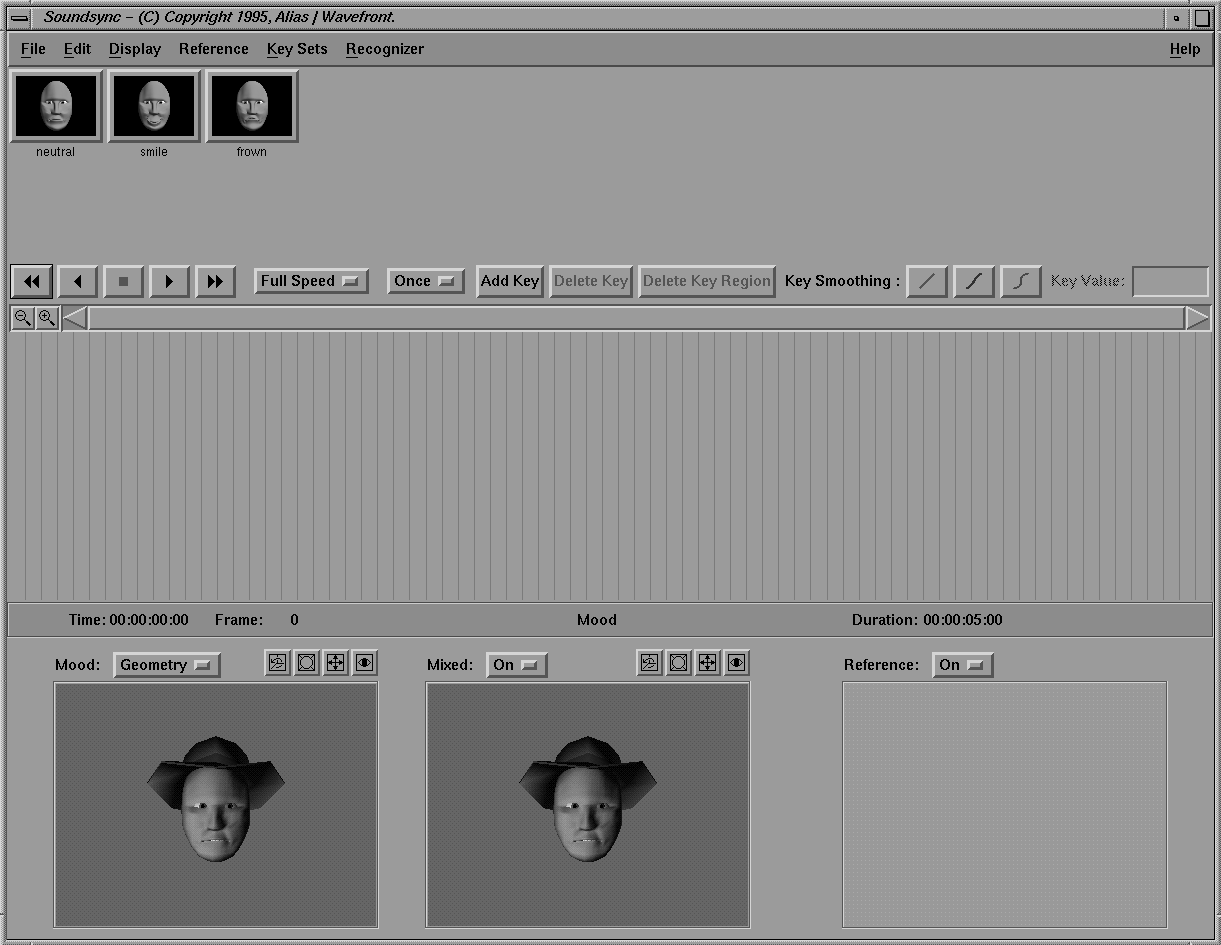
When the keysets are loaded, images of the keyshapes appear in the upper window and the facial geometry is displayed in the preview windows along the bottom.
For the sake of speed, select Off in the menu above the Mixed display window, and the face display disappears from that window.
| The images displayed above are from a rendered version of the face. Make sure that the Keyset display window menu is set to Geometry. |