To exit SoundSync, select File  Quit.
Quit.
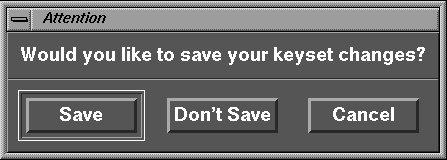
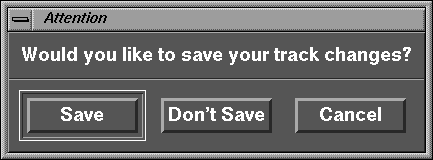
SoundSync detects that you have changed the track because you deleted and added keyframes and changed the keyset because you configured a recognizer. SoundSync also detects that you have not saved these files.
The following Attention window is displayed:
Normally you click the Save button and the File Browser opens for you to save the keyset file. For the purposes of this exercise, click the Don't Save button and the following window opens:
Normally you click the Save button and the File Browser opens for you to save the track file. For the purposes of this exercise, click the Don't Save button and SoundSync closes.
| If you click the Cancel button, you are back in your editing session. |