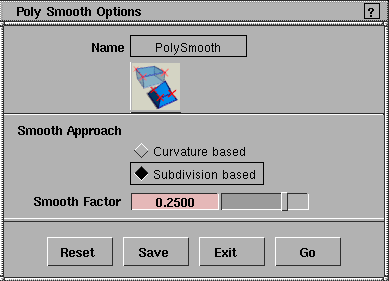
Smooth polyset vertices without creating new geometry.
Overview
After creating a polygonal model, you can smooth the model before rendering. Drag the middle mouse button left and right to preview the smooth, then click Go, or choose another tool to cancel.
This tool does not add or delete vertices. It simply decreases acute angles to make them appear slightly more rounded.
>
|
Note:
|
This tool can result in non-planar polygons. If you need to
export to games platforms, you may need to clean up the
model after smoothing.
|
How to Use
-
1
-
Select Polygon Shading > Vertex smooth
or click the icon.
-
The system prompts:
-
Select vertices to smooth.
-
2
-
Hold down the Shift key and click to pick the vertices you want to smooth.
|