|
ObjectDisplay > Visible |
Making Hidden Objects Visible Again |
|
| |
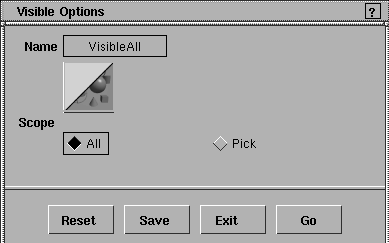
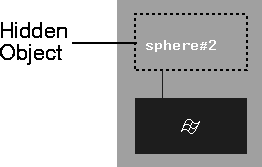
Makes objects visible again. These objects were first hidden by using ObjectDisplay > Visible. (See Hiding Objects on page 292.) Visible Options window
Select ObjectDisplay > Visible-
All
Pick | |
|
To open the SBD window, select Windows > SBD. |
|
|
|
|
| Copyright © 1998, Alias|Wavefront, a division of Silicon Graphics Limited. All rights reserved. | Please send questions or comments regarding the documentation to: [email protected] |
 to display this window.