|
Delete > Del stage contents 
|
Deleting Stage Contents | ||
|
| |||
Deletes the contents of the working level stage-namely, its objects, shaders, views, and actions. The stage itself remains.
How to Use | |||
|
Alternatively, double-click an icon to display its options window. |
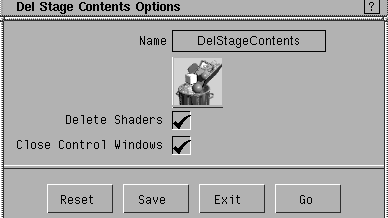
Del Stage Contents Options
| ||
|
By default, these options are toggled ON (indicated by a check mark). |
Delete Shaders
Close Control Windows
|
| Copyright © 1998, Alias|Wavefront, a division of Silicon Graphics Limited. All rights reserved. | Please send questions or comments regarding the documentation to: [email protected] |
 . Click the appropriate check boxes, and select Go.