|
|
Cameras > Look At
|
Looking at a Specific Object
|
|
|
|
|
Purpose
Lets you center and automatically dolly in on active objects in any window.
Look at is particularly useful when you are working with many objects and want to examine a specific object.
How to Use
-
1
-
Select
Look at from the Cameras palette, or click its icon.
-
2
-
Place a primitive sphere in a window using Objects > Primitives > Sphere. For this example, the Top window is used.
-
3
-
Make sure the sphere is active and select Xform > Scale.
The system prompts:
-
Enter Scale (ABS):
-
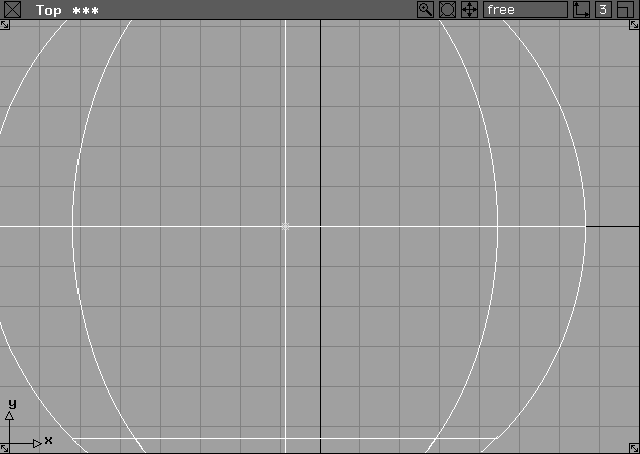
Type the number 15. When scaled, you can only see part of
the sphere.
-
4
-
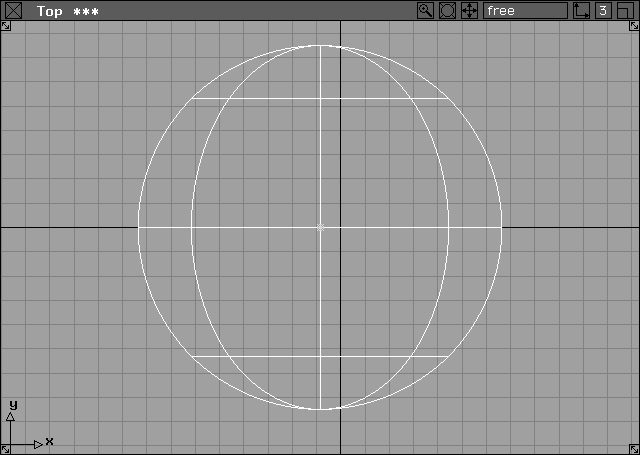
To see the whole sphere, select Look at and the whole sphere is displayed in the center of the current window.
>
|
Note:
|
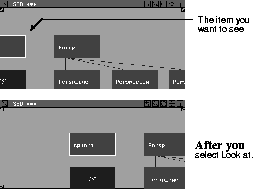
If you have dollied the view in the SBD window too much
and you cannot see the active item, click in the SBD window,
select Look at, and that item is displayed in the center of the
SBD window.
|
|
|
This technique can be used
with entire surfaces, curves,
or any other valid object.
|
|
Tip:
|
To examine a number of CVs on a surface more closely, use
Look at to center those CVs on the screen. When used in the
Perspective
window, Look at sets the tumble center point
and you can now use Cameras > World Move Camera >
Dolly to move away from or closer to the objects. Tumble
continues to tumble about the portion of the surface you
selected.
|
Look At Options
Select
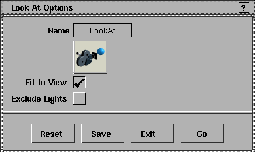
Look at- to display the Look At Options box. to display the Look At Options box.
|
|
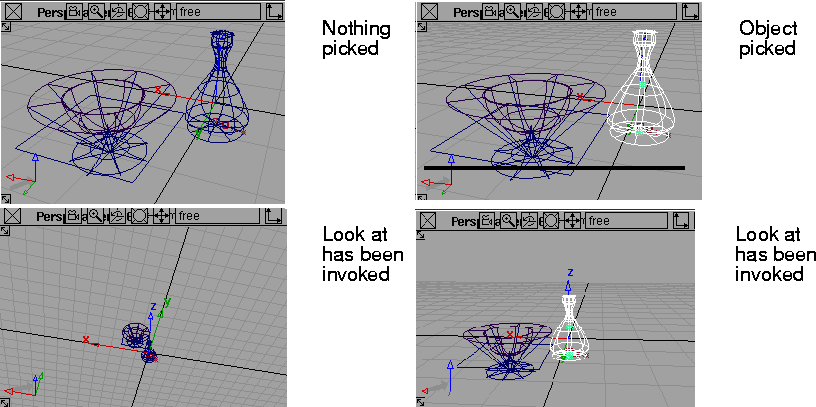
When the Fit to View option
is toggled ON, and you are
using Look at in the
Perspective window, the
perspective camera is
moved. When toggled OFF,
the Look at operation
changes the view point, and
leaves the eye point alone.
|
Fit to View
-
- If Fit to View is toggled ON
(indicated by a check mark), Look at also dollies in on the object as it is centered in the window. This is the default.
Exclude Lights
-
- If Look at is invoked and nothing is picked, the camera includes all objects in that view. If Exclude Lights
is toggled
ON, lights and textures will be excluded.
|
|
|
|


