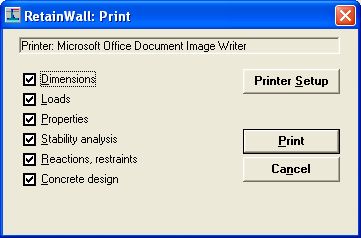
Printing the calculation report can be started through File > Print menu or  toolbar. The
following window will be shown.
toolbar. The
following window will be shown.
Select the frames to print by clicking the option box.
Dimensions Print the Dimensions frame.
Loads Print
the Loads frame.
Properties Print the Properties frame.
Stability analysis Print the Stability analysis frame.
Reactions, restraints Print the Reactions, restraints frame.
Concrete design Print the Concrete design frames.
Click the  button to change the printer.
 Click the  button or "Enter" keyboard key to start printing.
 Click the  button or "Esc" keyboard key to cancel the printing.
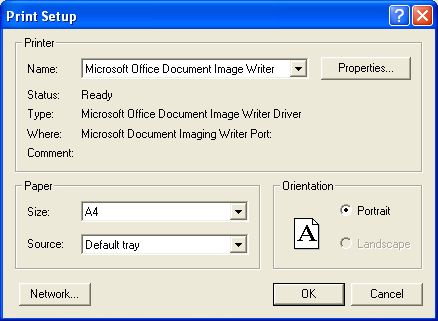
To change the printer or make changes to the printer setup click File menu and select Printer
setup. The following window will be shown.