
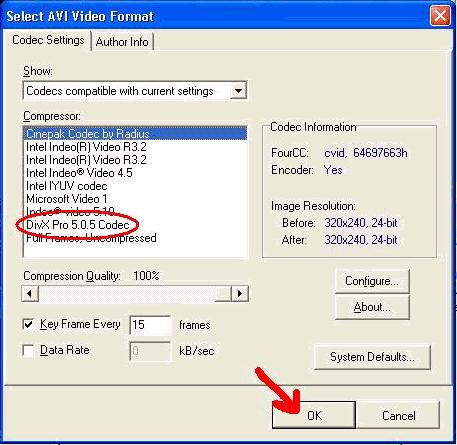
Select Divx from the list of available codecs. Then, click 'Ok'.
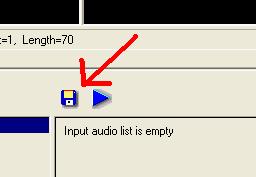
'diskette' icon.
|
|
|
|
|
|
|
|
|
|
|
|
|
|
|
|
|
|
|
|
|
|
|
|
||||||||||||||||||||||
| Make sure you have installed Divx before continuing. Select Divx from the list of available codecs. Then, click 'Ok'. |
||||||||||||||||||||||
|
||||||||||||||||||||||
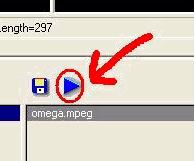
| Ok, we are almost done! All you have to do now is click on the 'Play' button. This will compress the file. That wasn't so hard was it? BTW, the file will play when compression is done. You can find your compressed file at the output location you selected. | ||||||||||||||||||||||
| Splitting a video file into individual frames: | ||||||||||||||||||||||
|
||||||||||||||||||||||
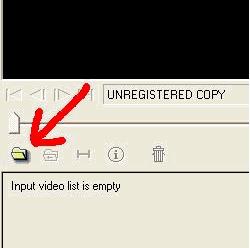
| The steps to splitting a video file is very similar to compressing with a codec. First thing we do is open the video file. | ||||||||||||||||||||||
|
||||||||||||||||||||||
| Then, just as we did while compressing, click on the 'diskette' icon. |
||||||||||||||||||||||
| <<< PREV | NEXT >>> | |||||||||||||||||||||