|
There are similarities differences between .JPEG and .GIF files. As
stated in the HTMLHelp website:
"the first thing to understand
about GIF and JPEG image formats is that they are both compression based
formats. In other words, they take an uncompressed image such as a
bitmapped image, and compress them to a smaller file size. The usual
result of this conversion is a significantly smaller image size."
Also stated in the HTMLHelp
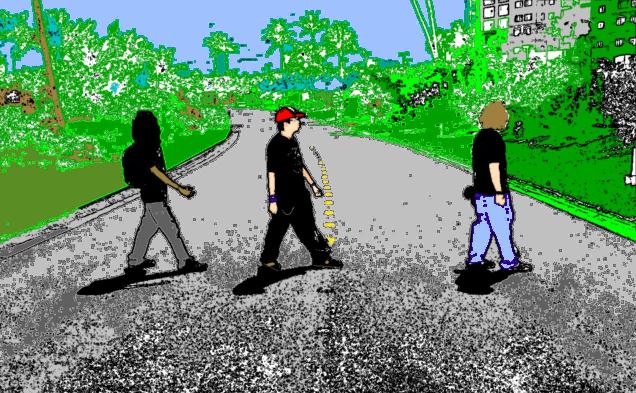
website was that the GIF format is excellent at compressing images that have
relatively few colors with no gradations. Most of the images saved in GIF format
never exceed more than 10k in the web.
In contrast to JPEG's compression, when there are few colors and no
gradations, it results in larger images but they would appear noticeably
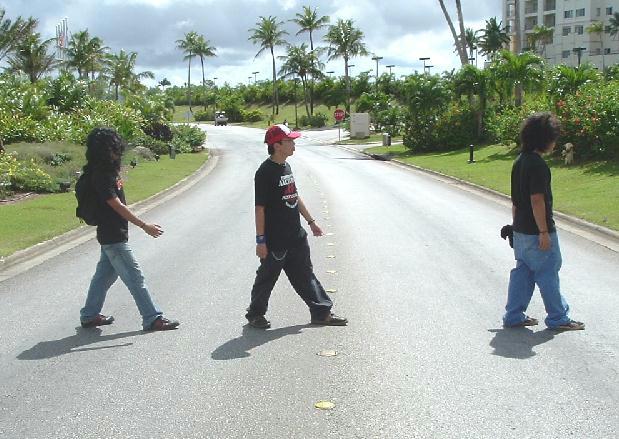
degraded. However, the JPEG format is great for handling still images, especially
with photographs.
|
In comparison(From HTMLHelp)
.JPEG:
- Good for photographs, naturalistic
artwork, and similar material
- Designed to exploit known limitations of the human eye,
notably the fact that small color changes are perceived less accurately than
small changes in brightness
- Adjustable compression parameters
- Can store
24-bit-per-pixel color data (16 million colors).
.GIF:
- Good for animations
- Transparency
- Stores 8 bits/pixel (256 or fewer colors).
- excellent at compressing images that have
relatively few colors with no gradations
|