Cartoonized Digital Photos |
|
|---|---|
|
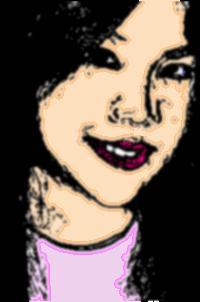
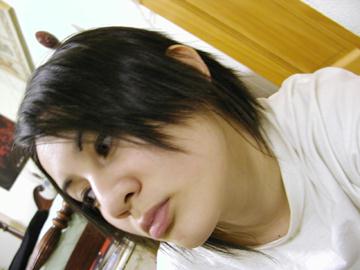
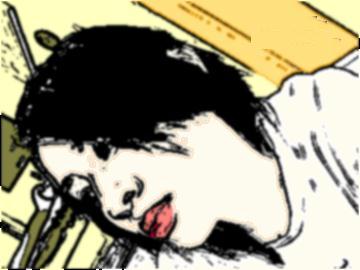
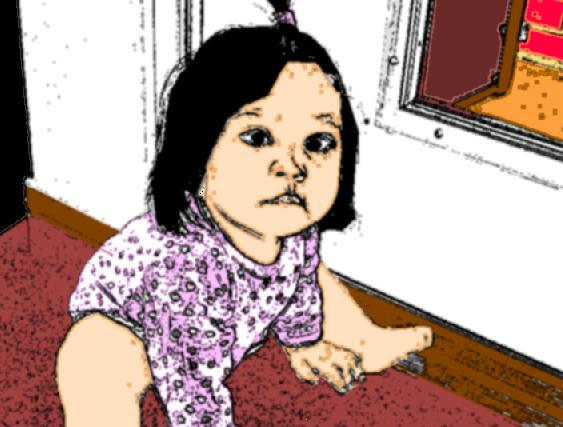
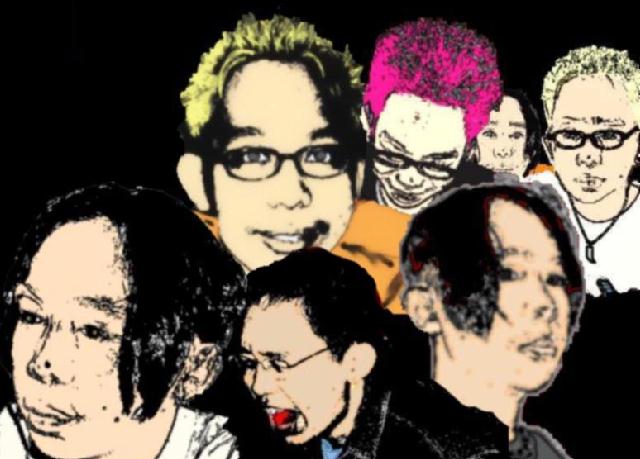
I'm A Cartoon! One of the things I love doing in the computer is making cartoonized photos out of digital camera shots. I first started making them during the summer of 2004. I was inspired after seeing Linkin Park's music video for the song "Breaking The Habit", which featured the band in Japanese, anime form. I thought it was the most artistic creation ever done for a music video since Tool's early to mid 1990's haunting computer-generated music videos. In order to do so, I would first need a photo I would base my artwork on. I prefer using digital camera photos because they seem much clearer than a scanned one. As seen below, here are examples I did using the photos of my friend, Maria Christina Basubas, also known as Tinay, and my pen pal Kristen Bernardo, also known as Ten Ten. |
|
Example #1: Tinay |
|
|---|---|
![]() |
![]() |
Example #2: Ten Ten |
|
|---|---|
![]() |
![]() |
....Head Start.. |
|
|---|---|
![]() |
What program did I use?
You can download the program at Download.Com. The main reason why I used the MGI Photosuite SE is because it has the coloring book feature.
|
The options you have are:
| ![]() |
|
You will have to click on the 'Coloring Book' option so that the photo you are working on will become black and white, with the outline being black and everything else being white.
After you do so, you can now fill in the colors using the 'flood fill'. However, you must make sure that there are no 'breaking lines'. Otherwise, the color would probably spill into another part of your base. Tip::A great way to avoid this from happening would be to draw some lines around the outlines just to be sure. Enjoy! |
| About Image Editing | Page III |
| Homepage | Resume |
| Game #1 | Game #2 |