
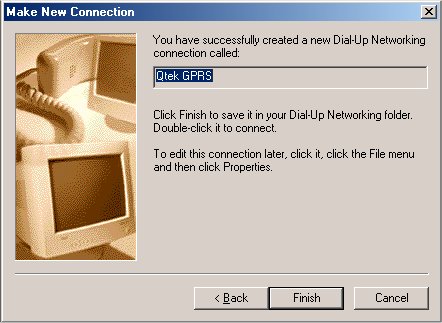
Follow the steps carefully.
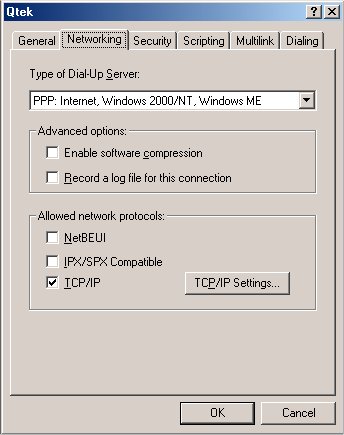
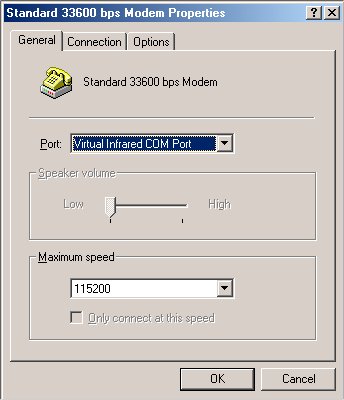
First, open the connection by double clicking on it. Click Properties, click Networking tab, Type of Dial-Up Server as PPP; Internet, Windows 2000/NT, Windows ME (Or whaterver your operating system). Uncheck Enable software compression, uncheck NetBEUI, IPX/SPX Compatible. Check TCP/IP. Under General tab, uncheck "Use area code and Dialing Properties" box. Make sure the telephone number is correct (*99#) and "Connect Using" drop down menu shows "Standard 33600 bps modem".
Main
Qtek
Back