Click OPEN.
Click OK.
| Home | Back to Morph Page 2 |
| Step 11. With Carrara now open. Go to File NEW. | |||
| Step 12.
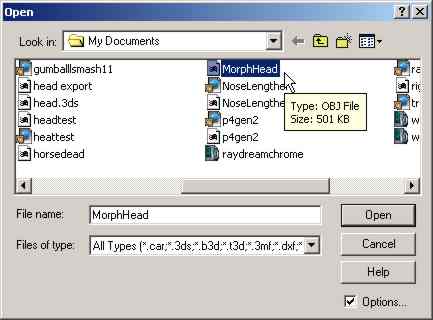
Go to FILE IMPORT and select the file which you EXPORTED earlier from
POSER.
Click OPEN. |
|
||
| Step 13.
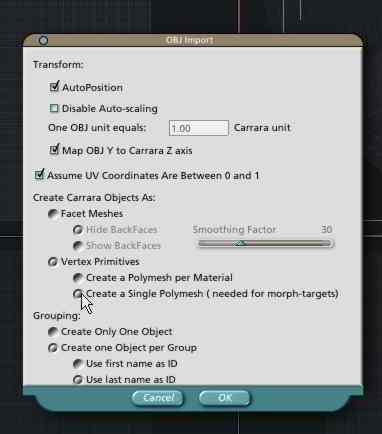
In this dialogue box Click on Vertex Primitives and then on Create Single
Polymesh. (needed for morph targets)
Click OK. |
|
||
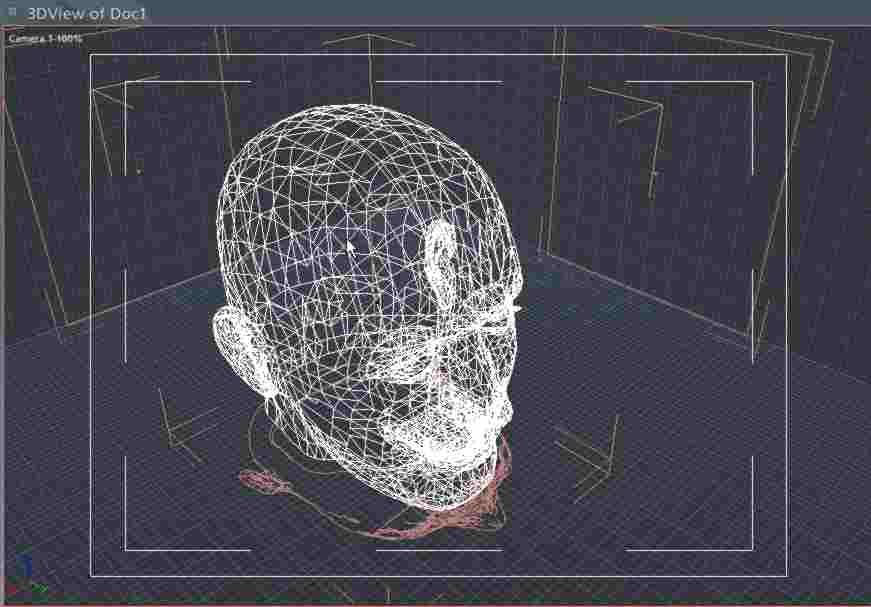
| The Object (head) has now been brought into Carrara for morphing. | |
||