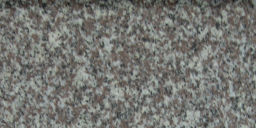
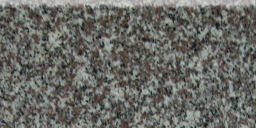
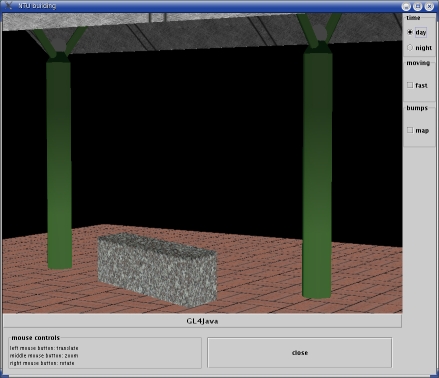
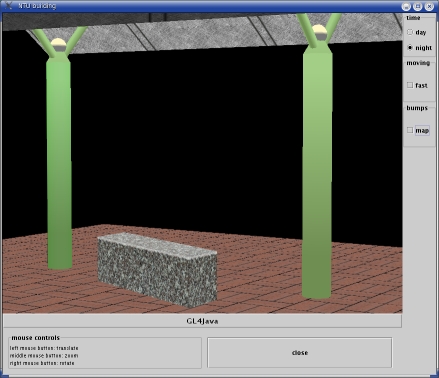
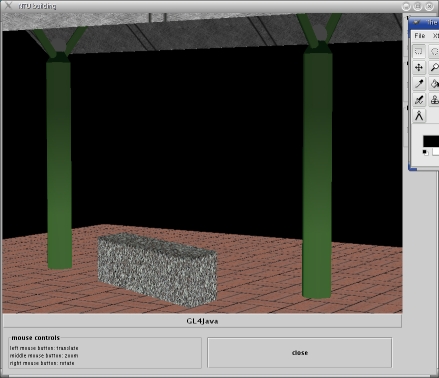
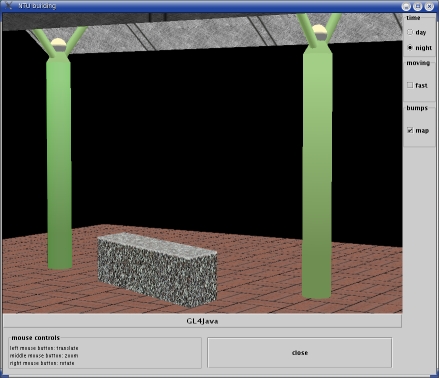
Looking at the bank above you can see that the sides are bumpy
and the top is smooth.
Now you will see how the model of
assignment 2 is changed to look like more realistic.
UV and normal maps
Another way to make the scene look like more realistic is
using UV maps and normal maps.
For a planar surface (for example a polygon of the roof of
the bus shelter) you can change the normals of this surface
and then creating a texture out of the changed surface.
Changing the normals of a planar surface can lead to the
following model:
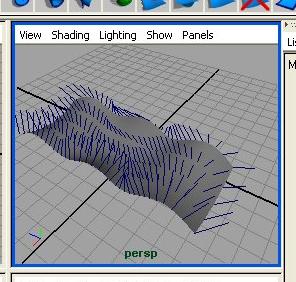
Now you can either store the normals as a normal map and then
applying a texture and the normal map to a polygon or you
can put a texture directly on the changed surface,
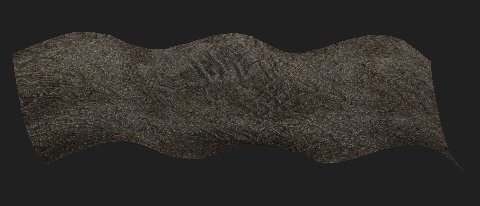
creating a texture by exporting the normal map as UV texture:
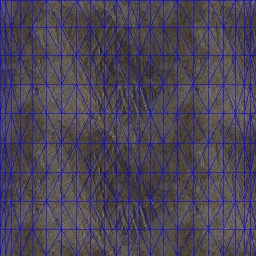
(of course you will not have the lines of the polygon
on the texture - this is only to show the UV map)
Other examples:
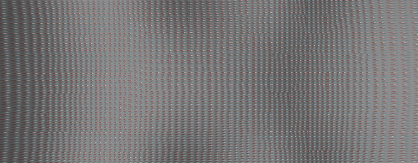
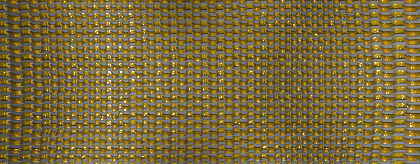
Now these textures can be applied to the polygon.
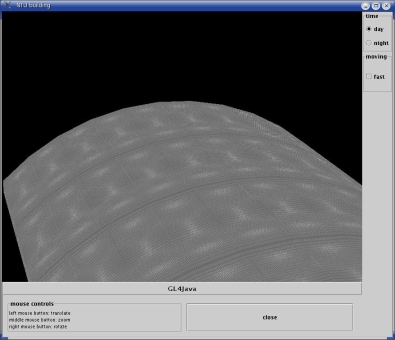
Ok, this does not look realistic, but it is only to
show the principle :-)