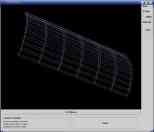
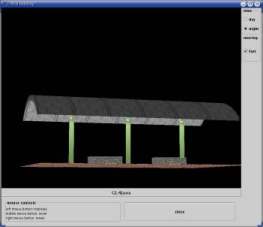
The scene I chose to model is the bus shelter you can see
above.
This side gives a short description of the model I created and
how I tried to give the model a realistic apperance.
To download the Programm click on "Source code" and please
read the requirements to get the program running.
The model
The first thing to do is to create a model using triangles,
polygons, etc.
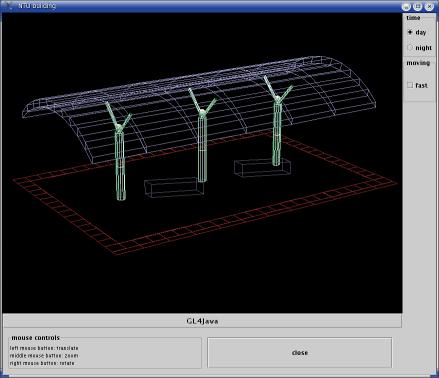
My model consists of the following elements:
the floor ,
two banks ,
three pillars ,
three lamps and the
roof
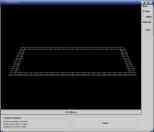
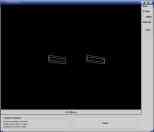
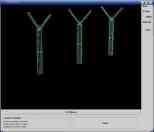
As you can see below, the scene does not look really realistic.
But only few computations are needed to render this
polygon model. Hence it can be rotated, translatet and scaled very
quickly. To use this feature in the program just enable the
fast moving mode by clicking on the check box "fast" on the
right side of the panel.
Textures and lights
To make the model look more realistic I took some pictures at
the bus stop and used them as textures.
Applying a simple picture of a brick lead to the
following result:
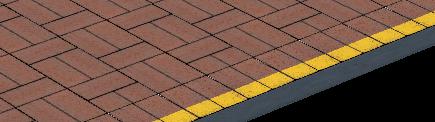
As the size of the floor is greater than the size of picture of the
brick, the texture is mapped several times on the polygon.
To create smooth edges for the bank I changed the texture
by darkening the border.
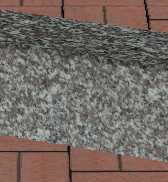
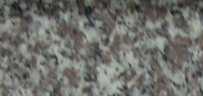
Thus, the sharp edge of the polygon is not visible anymore.
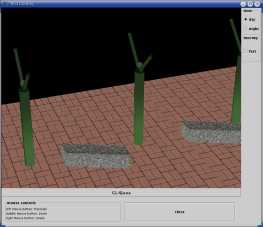
According to the fact that floor, pillars and banks are
in the shadow of the roof, I created some textures and mapped
them on the objects. As you can see below the pillars are
getting dark at the top as well as the bank which is dark at the top and
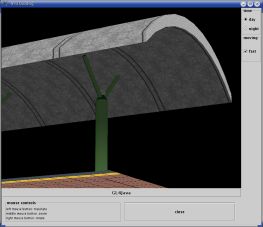
less dark at the sides. The same effect is used for the roof
which can be seen in the second picture below.
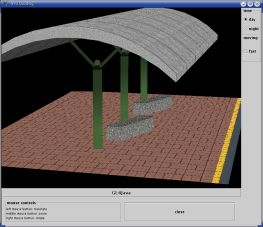
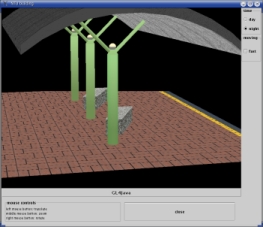
The last picture shows the complete scene at daytime.
To view the scene by night click on the button "night"
at the right side of the panel which will turn on the three
lamps. The pictures below show that in this case the shadows
changed: the top of the roof is dark and the lamps light up
the interior.
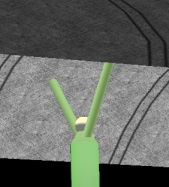
On the second picture you can see a shadow at
the outside of the pillar while the inside is bright
.
Looking at the third picture one can see the top of the bank
lit up by the lamp and the dark sides.
Now, have fun with the program and navigate through the scene
using the left mouse button to translate, middle
mouse button to zoom and the right mouse button to rotate the scene.