 |
|
|
|


After viewing a sample, click BACK on your browser to return to this gallery.
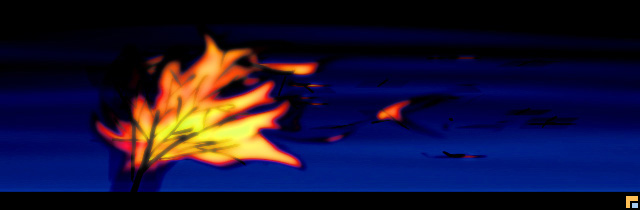 |
BURNING
TREE |
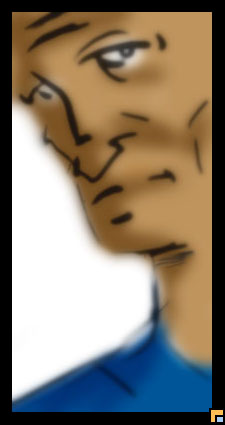 |
OLD
MAN Nothing uncommon here; the face was drawn using the paintbrush and pencil tools, then colors and shading added with the airbrush on a new layer in Multiply Mode. A few final blurs gave it a less computerized feel. |
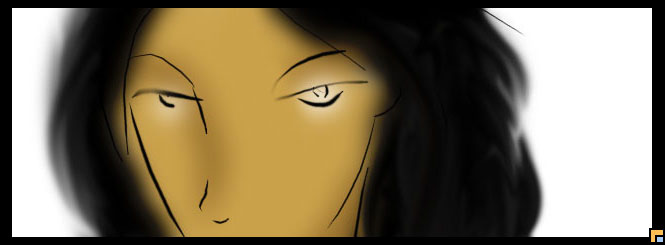 |
GLARE
ONE Same method, but the hair got some added realism with a few strokes of the smudge tool: very effective, it turned out, for getting those cartoonish-yet-realistic locks of turned hair. |
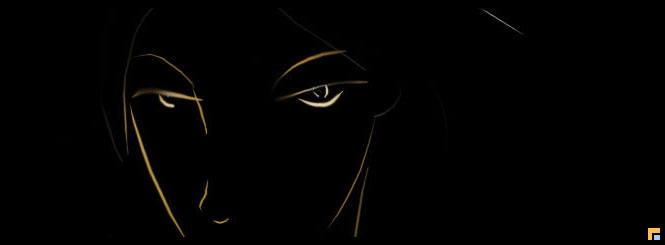 |
GLARE
TWO Right after shading Glare One, an experimental click on Screen Mode for the airbrushed coloring layer brought out this interesting minimalist effect. |
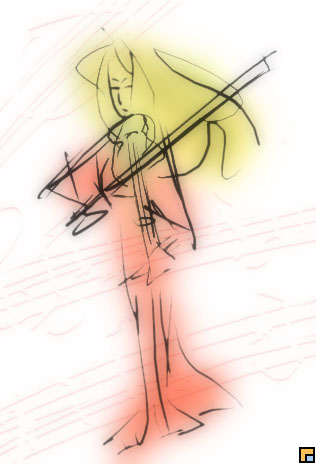 |
VIOLINIST
This was more of a scribble that evolved into something more. The Multiply-mode coloring layer is heavily blurred, and the background is even more violent scribbling. That's because she's playing Stravinsky. |
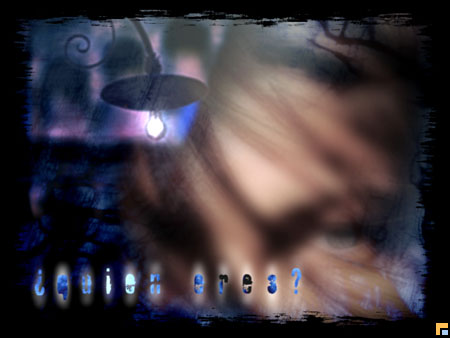 |
¿
QUIEN ERES ? No, this wasn't drawn from scratch. It's a collage of pictures from one of those royalty-free photo clip-art CD's, plus a picture of Laetitia Casta, and a couple of words in the Fragile ICG font. |
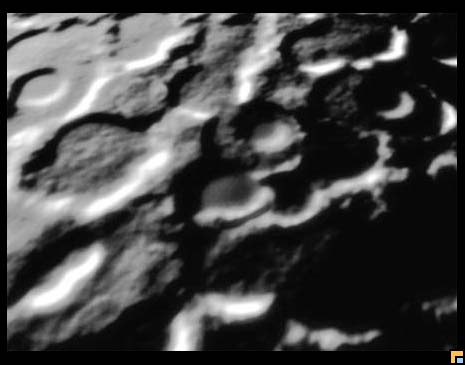 |
MOONSCAPE
ONE The experiment consisted of clouds, white airbrushes, the Emboss filter, some noise, more embossing, some perspective distortion, a gradient in Color Dodge mode, and other Photoshop odds and ends. The moonscape that resulted was a startling shock when it was done. It looked almost real. |
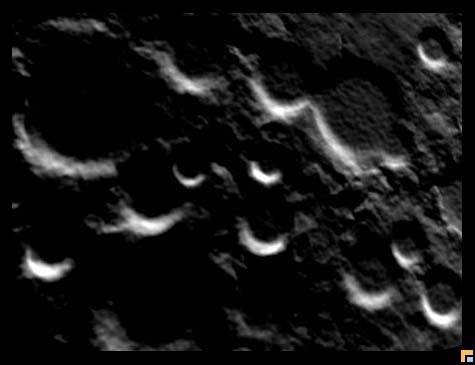 |
MOONSCAPE
TWO Several months later, further attempts began to look so realistic that some people thought they were looking at NASA photos from the Apollo missions or from some new space probe. |
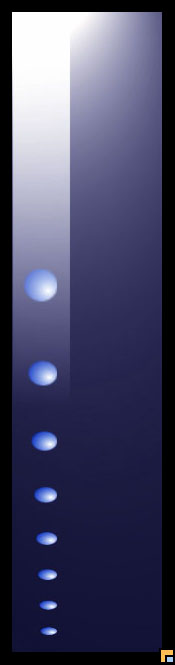 |
UNTITLED-1 A few gradients, selections, and the spherize filter all produced something so thematically amorphous that its name had already been christened by the software. |
 |
FLOATING
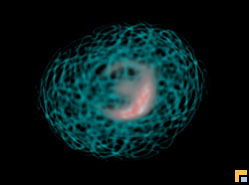
CELL The Spherize filter repeatedly applied to a selectively masked noise-contrast pattern produced this interesting microscopic entity. A distorted sphere beneath the web in Exclusion mode completes the 3D cellular illusion. |
 |
STORM
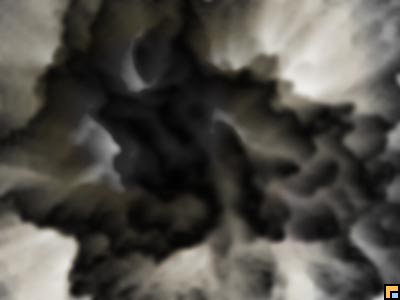
CLOUDS Photoshop's Extrude filter takes a long time to process small pixel values and extreme depths using the level-based option, but the output is well worth the wait. Some blurring to remove the edges, throw in a lens flare with layer mode savvy, and a cloud with a silver lining emerges. |
| GALLERY HOme | RETOUCHING AND CORRECTION | VIDEO POST-PROD |
