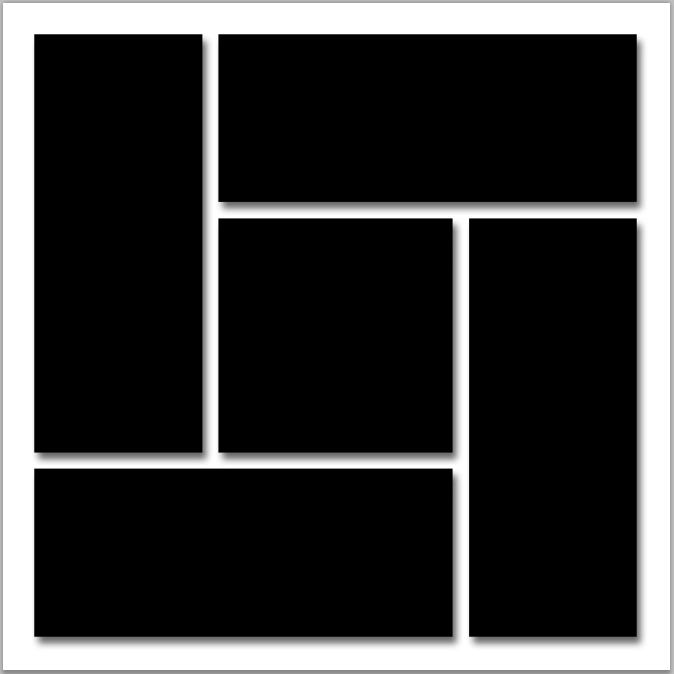
Step 9: Drop Shadow
In the Layers panel, click on the Layers Style icon. Choose Drop Shadow from the drop down list.
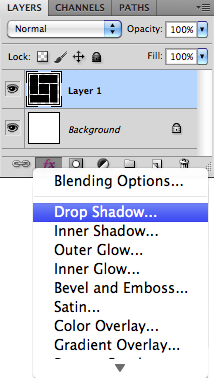
Photoshop's Layer Style dialog box opens to set the Drop Shadow options.
Set the Angle of the shadow to 120° and set the Distance and Size to 12 px. Low the Opacity value dow to 60%.
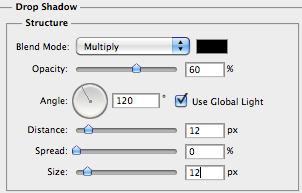
Click OK to close the Layer Style dialog box. The shapes should now have a drop shadow: