Step 8: Delete the Selections
Press the Backspace key (Windows) / Delete key (Mac) to delete the selections.
Deselect the selection outlines by pressing Ctrl+D (Windows) / Command+D (Mac)
You can now get rid of the grid display by going up to the View menu. Choose Show, then choose Grid to turn the grid off.
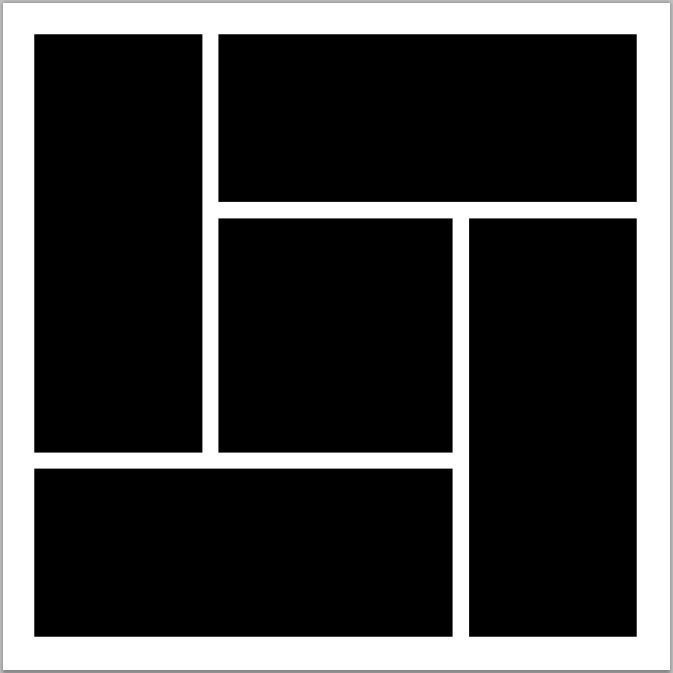
You should now have 5 separate shapes in your document: