Step 10: Open Your Picture
Open the picture that you want to use. It will open in its own separate document window.
I'll be using this picture:
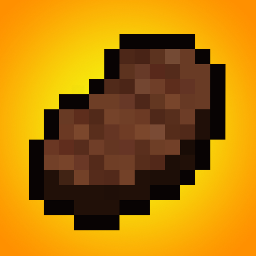
Press Ctrl+A (Windows) / Command+A (Mac) to select the entire picture. Next, press Ctrl+C (Windows) / Command+C (Mac) to copy it.
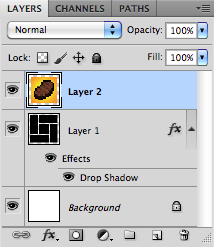
Switch over to your shapes document and press Ctrl+V (Windows) / Command+V (Mac) to paste the picture in the document. It will appear in its own layer, right above the shapes layer.