

Welcome


Firs what you would want to do is oppen up your editing station.. i will be using
Adobe Photoshop CS Then oppen up a new image and then start to edit it so that
you will get some thing like thins 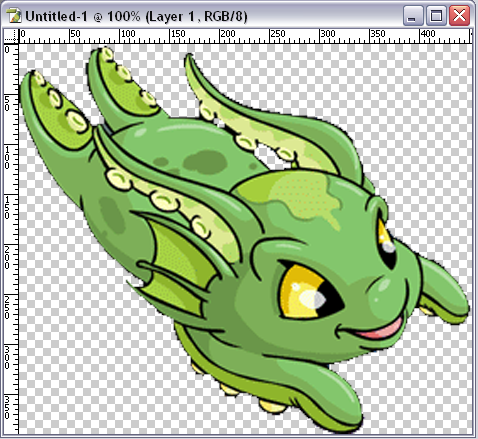 then use your magic wand tool and select the part you would like to edit
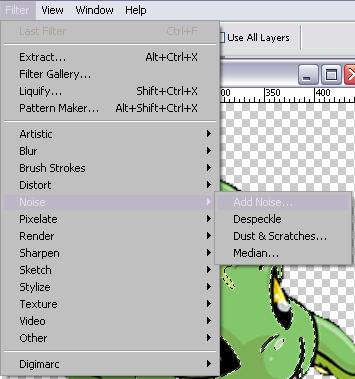
 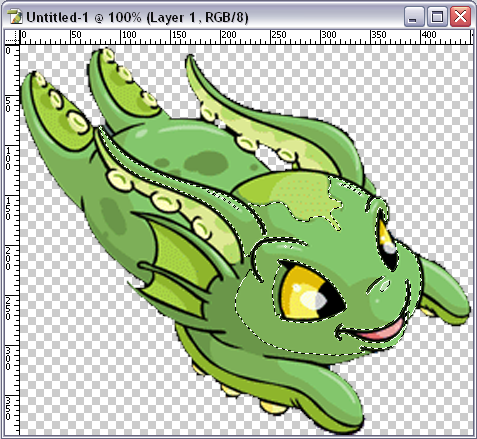 After that you will have to go to filter -noise and -addnoise
 the a box will pop up looking like this
 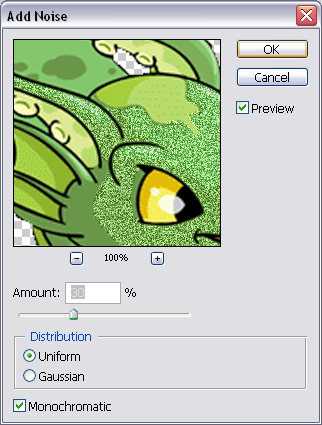 now make 2 diffrent layer's
 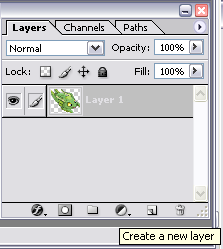 make shure on both layer's they are exactly the
same but change the amount of noise.. you can use anywhere form 20-40 % higher then taht will just look all destorted... then oppen up adobe image redy and use those same layers in it...
after you have that done follow this
make shure on both layer's they are exactly the
same but change the amount of noise.. you can use anywhere form 20-40 % higher then taht will just look all destorted... then oppen up adobe image redy and use those same layers in it...
after you have that done follow this 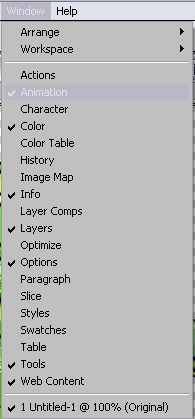 but use this in image redy and then there you have it
Copyrights and Credits
� Neopets ||� Neoarizona
