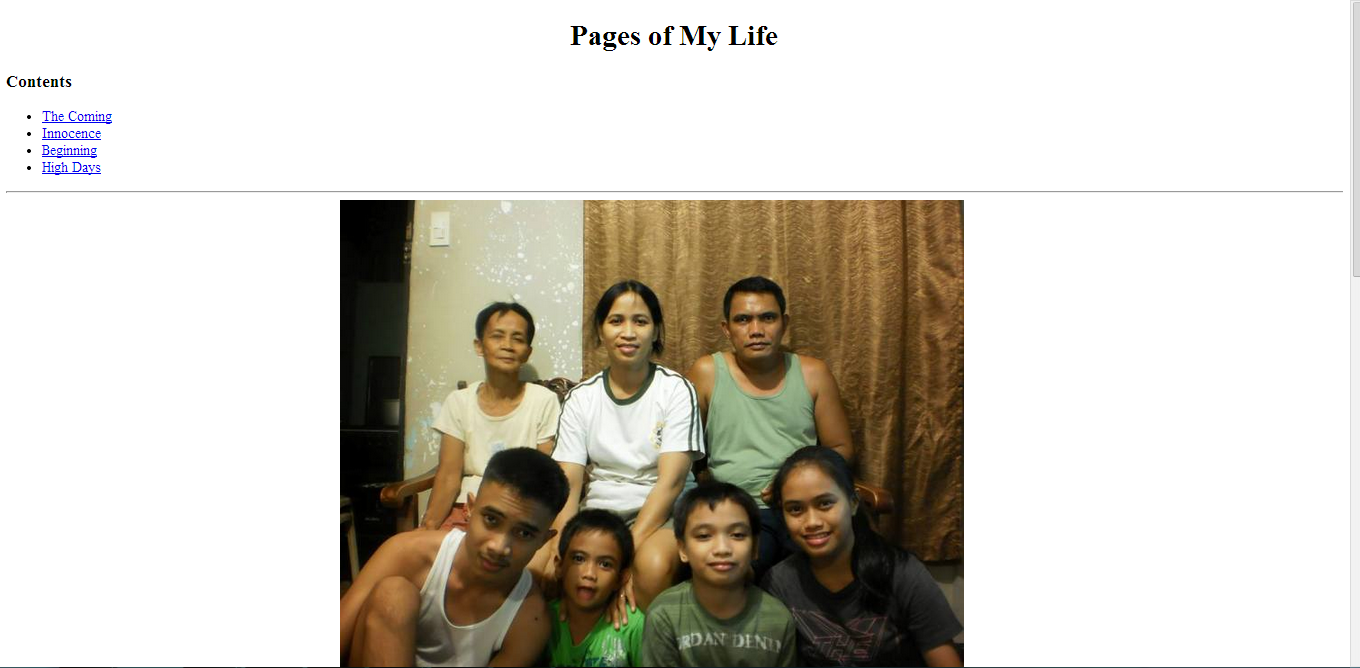
Autobiography
This is the first activity that we've done in HTML. The activity first started with us, writing about our lives back when we're born until now then with us putting pictures in our page. We've done image mapping in the family picture, too for us to be able to locate who is the individual family member.
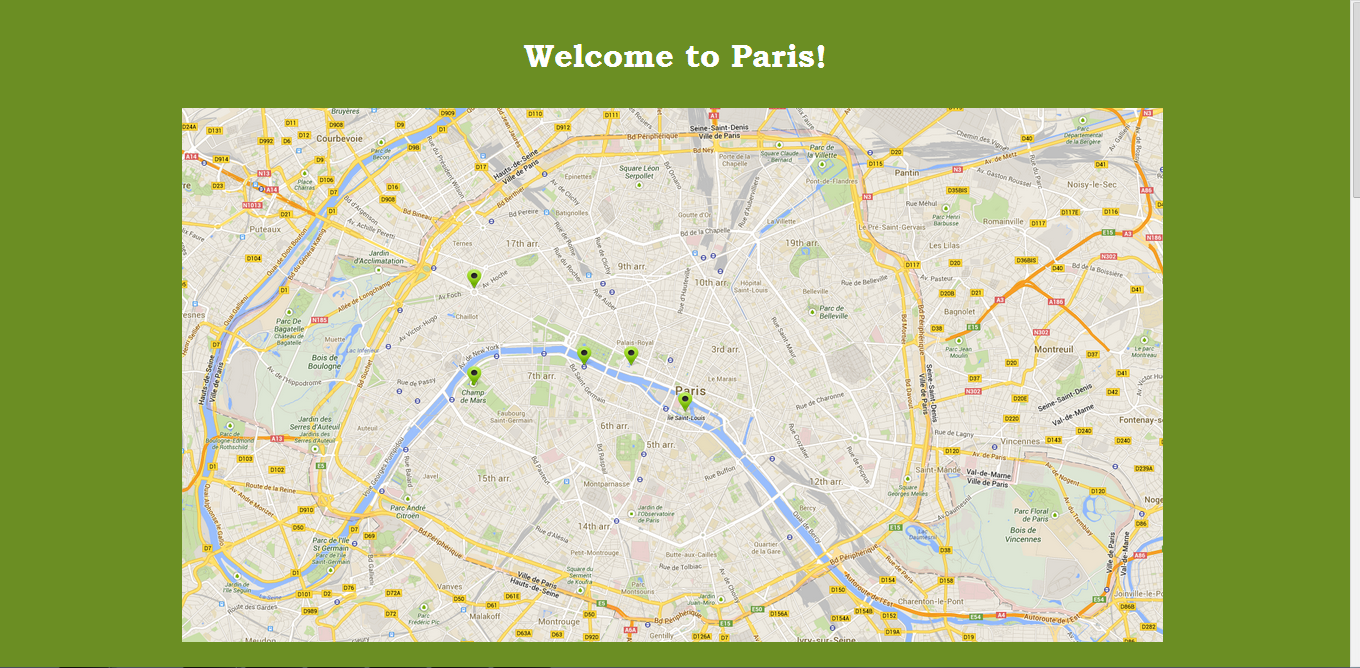
Image Mapping
This project is for us to practice using table and image mapping. We chose a particular country and we have to choose at least five tourist destination and feature them in our page. In this project, I chose Paris and presented facts about it as well as the five main tourist attraction in this country.
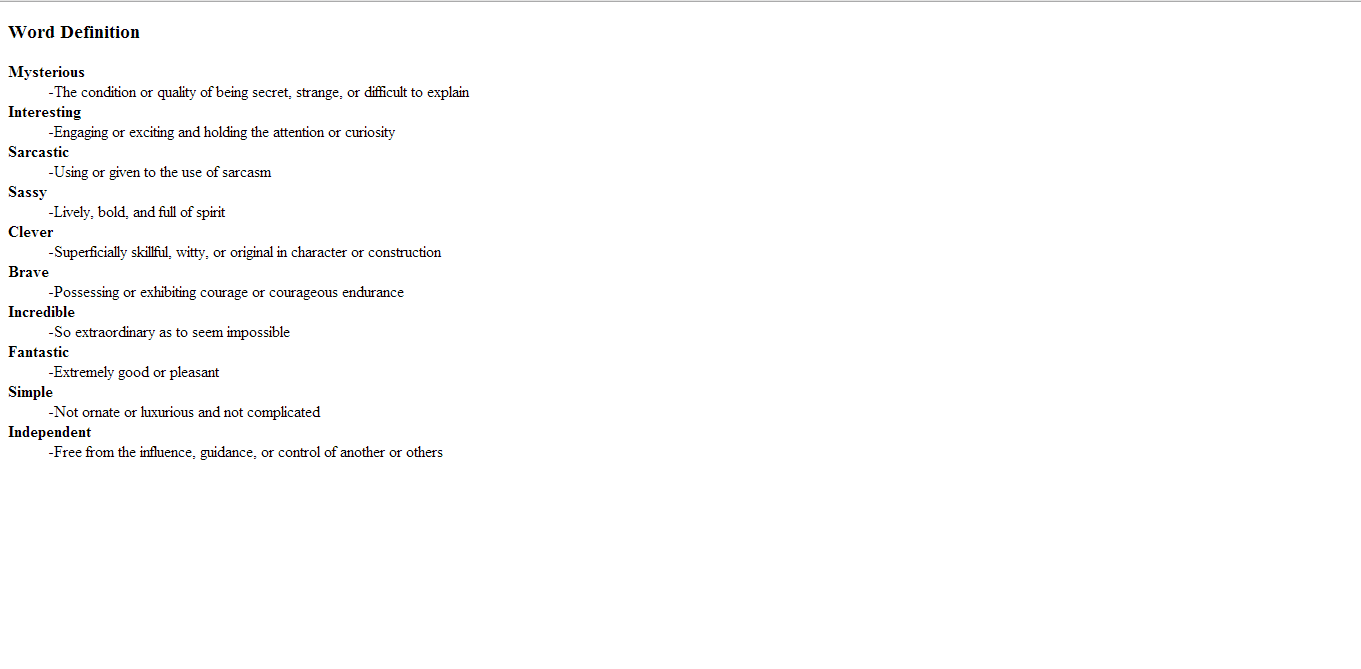
Word Definition
We practice in this activity the usage of description list and the tags under it. Like the tag < dl> that defines a description list, < dt> that defines terms and < dd> to describe a term in a description list. We chose ten words with their meanings in the dictionary for this activity.
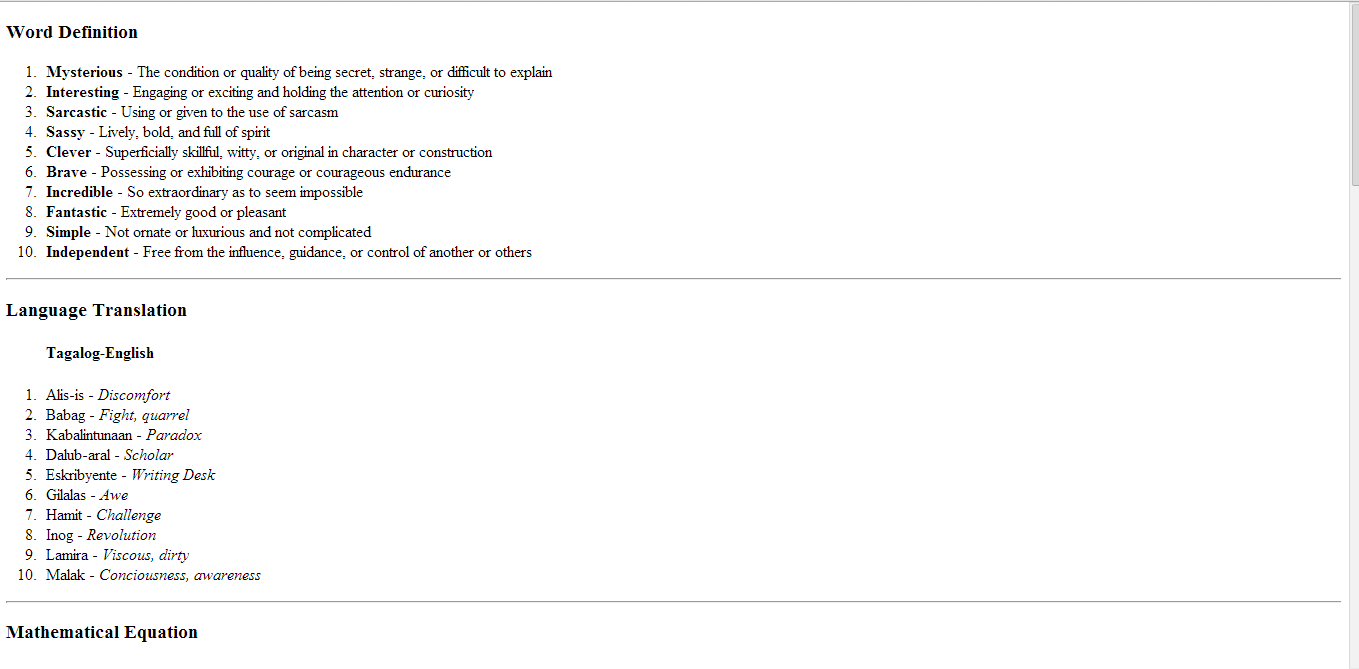
Text Formatting
We practice the use of different formatting tags in this activity, like hot to make the text bold, italic, how to make a mathematical equations, subscript, superscript, < pre>, strong and small. In this activity, we chose a poem, typed mathematical equations, language translations, word definitions
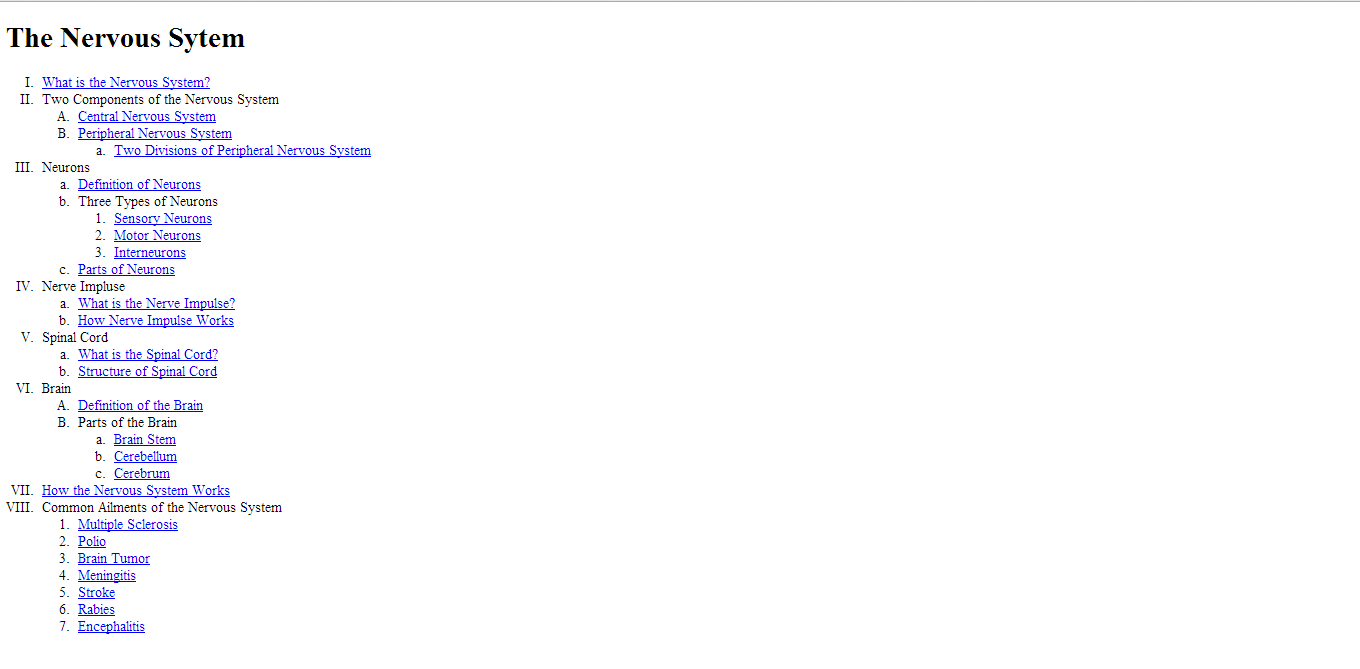
Outline
In this activity, we practice the used of ordered and unordered list. We chose one topic in science and we need to put the sub-topics of it by using either ordered and unordered list.
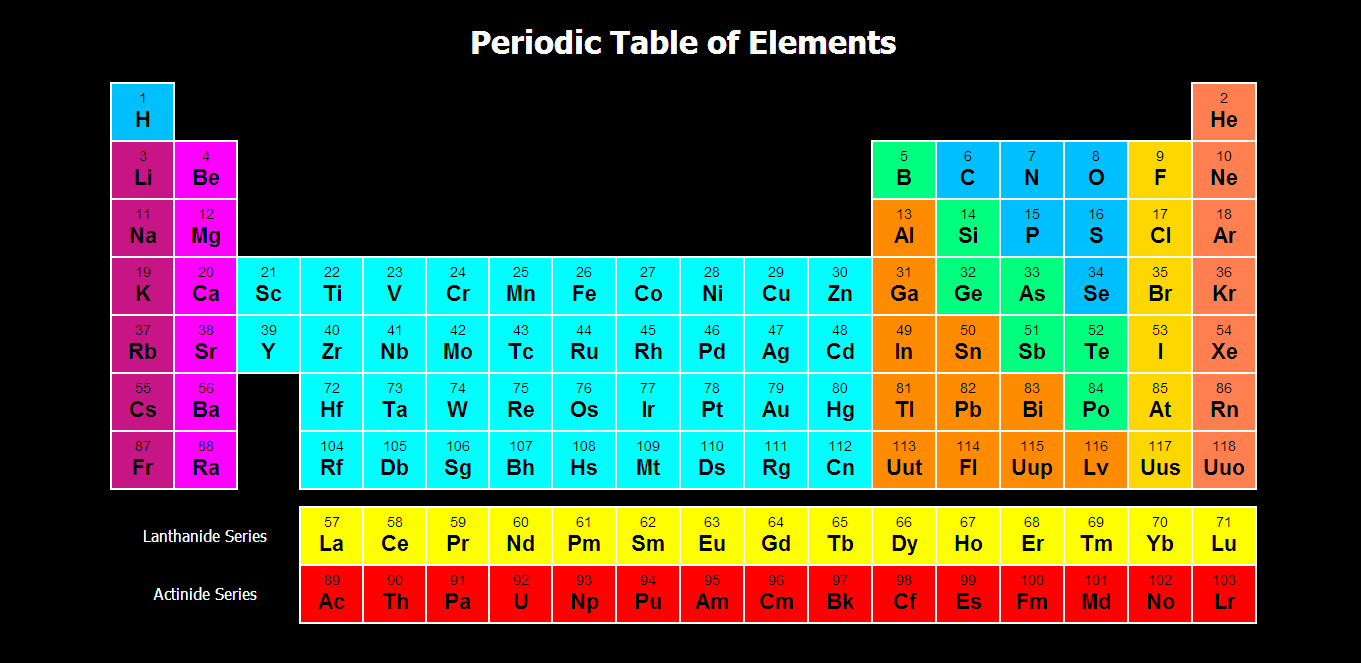
Periodic Table
We create a periodic table using tables and we also used pop-up windows for us to put the information in each element. We used different colors, too for us to categorize each element.
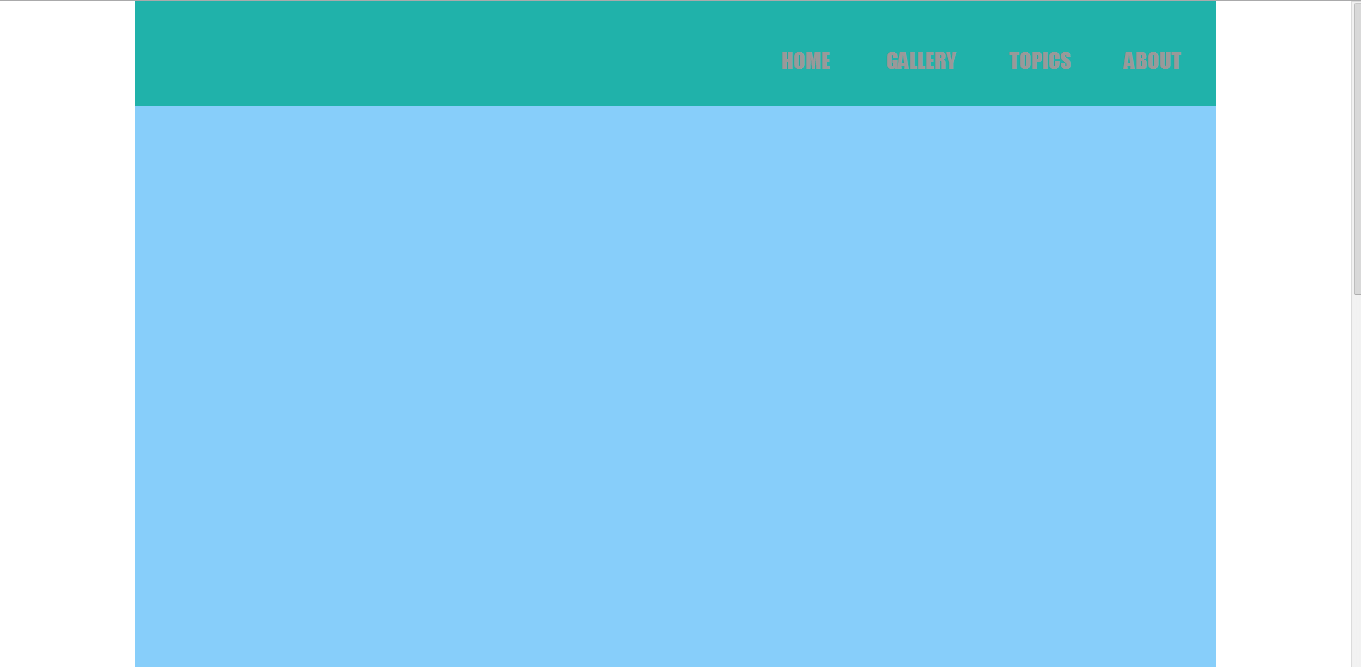
Horizontal Navigation
In this activity, we made a responsive horizontal navigation. We also used unordered list and css styling for this activity.
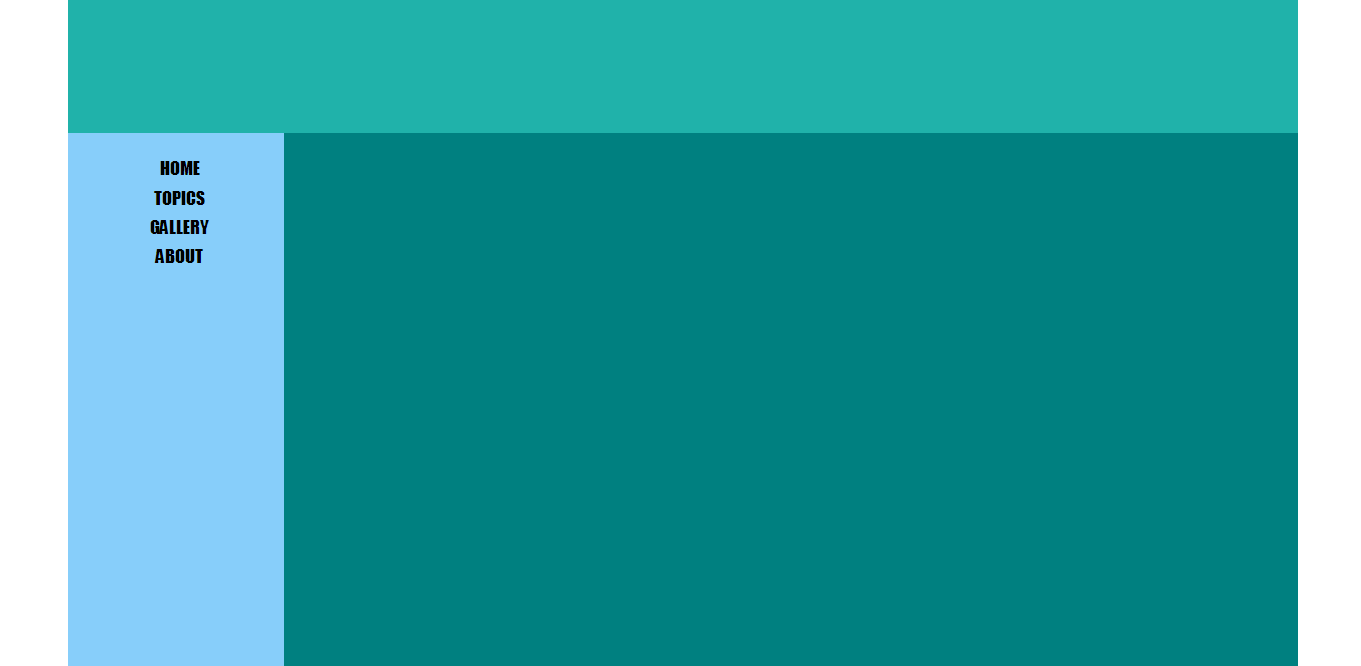
Vertical Navigation
In this activity, we made a responsive vertical navigation. We also used unordered list and css styling for this activity.
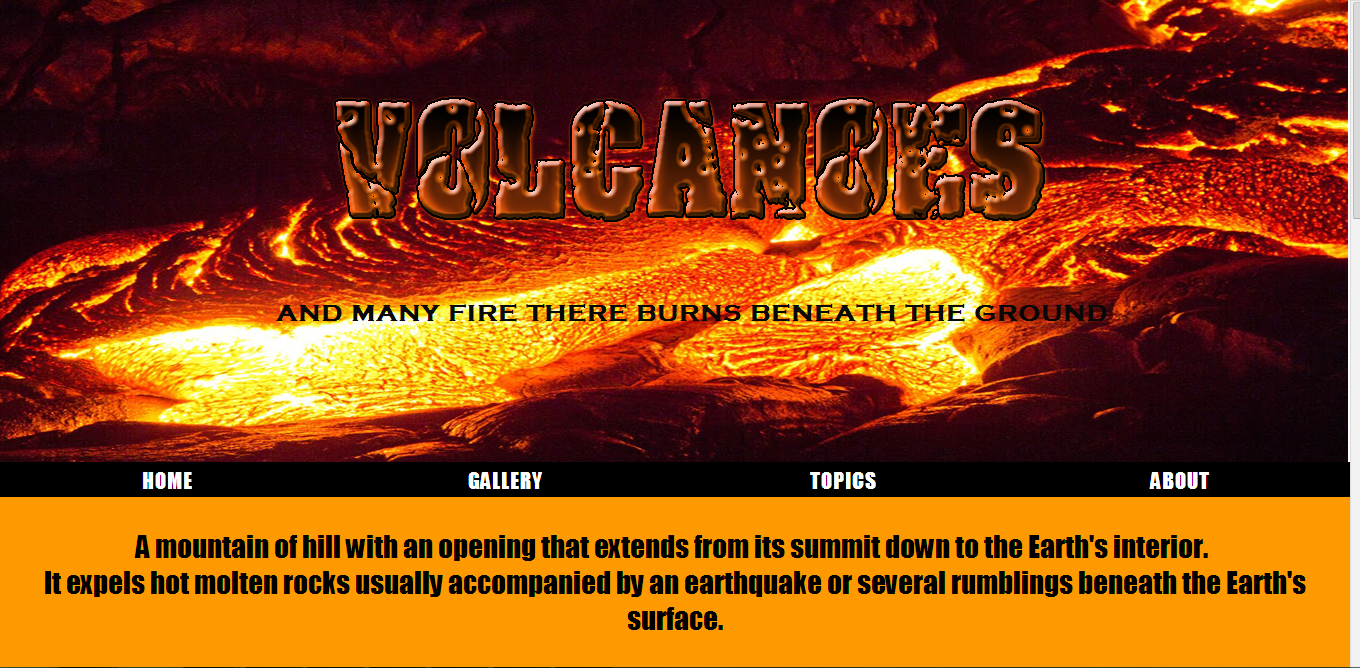
Splash Page
In this activity, the group will choose a particular topic with regards to science and we have to make a home page about that. We chose volcano and by doing this activity, we're able to combine all the things that we learned from the past lessons.
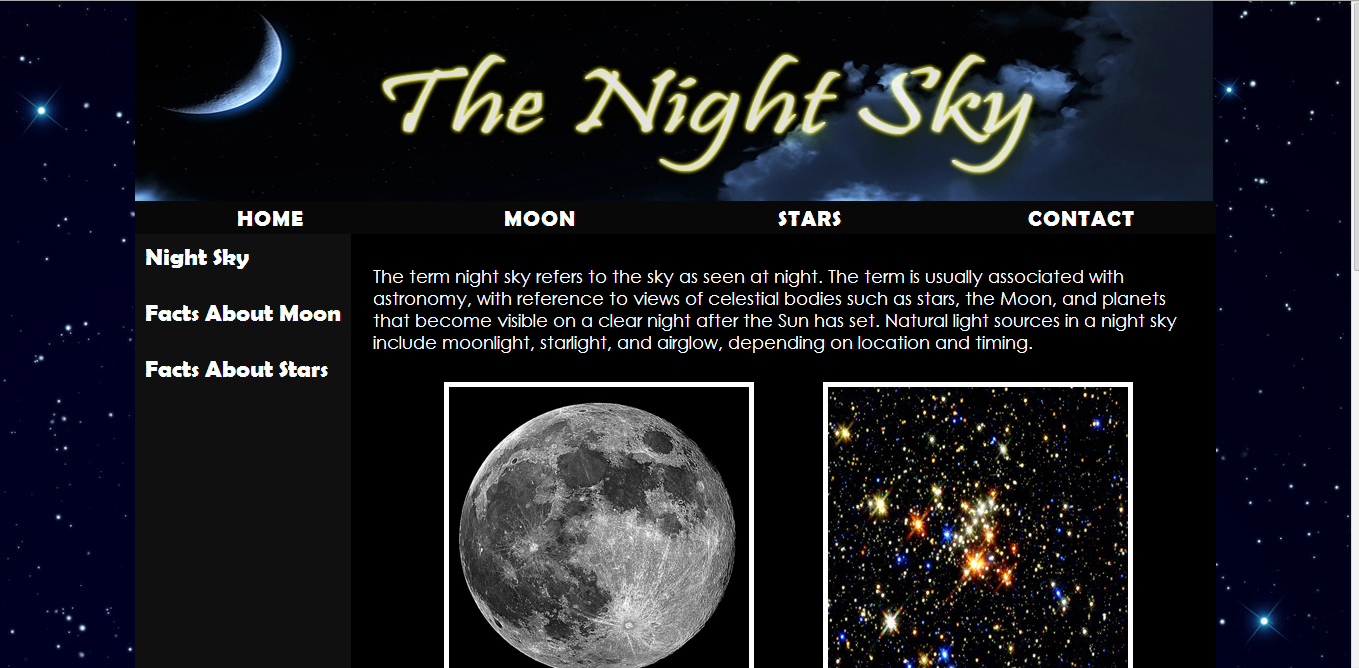
Personal Page
We chose our own topic with regards to science in this project. We have to make a whole site about that topic and by doing this project I used the horizontal and vertical navigation and other css styling lessons.
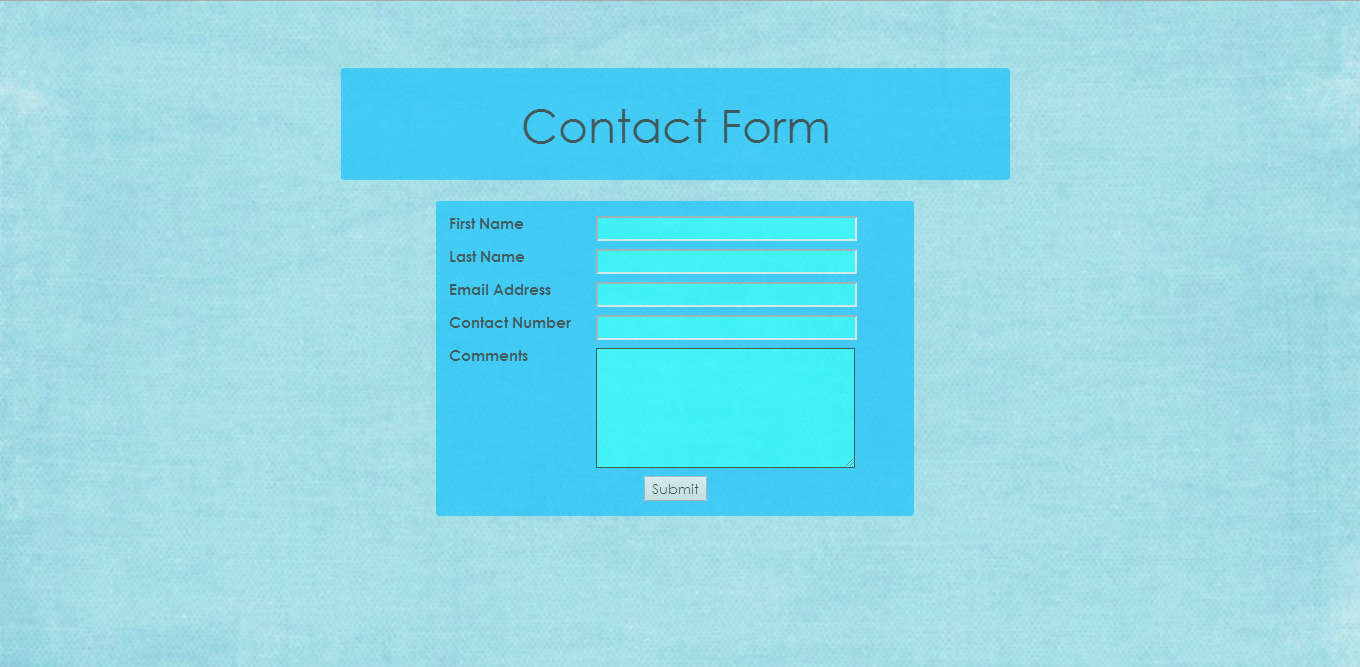
Contact Form
This is our first activity in HTML Forms. I used text fields and submit button in this activity.
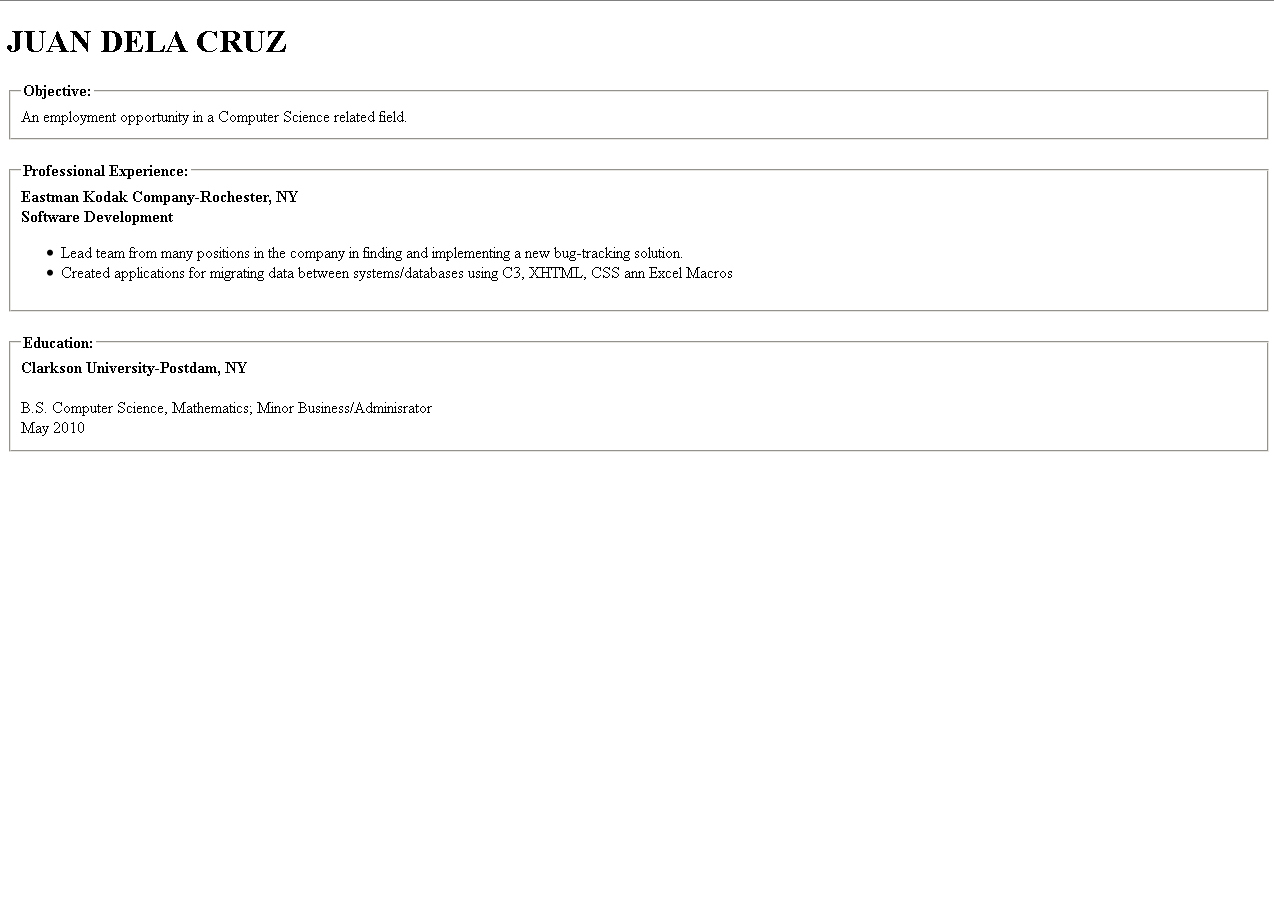
Contact Form
This is our quiz in HTML forms using fieldset. Using the codes we copied the illustration by typing our on our own.
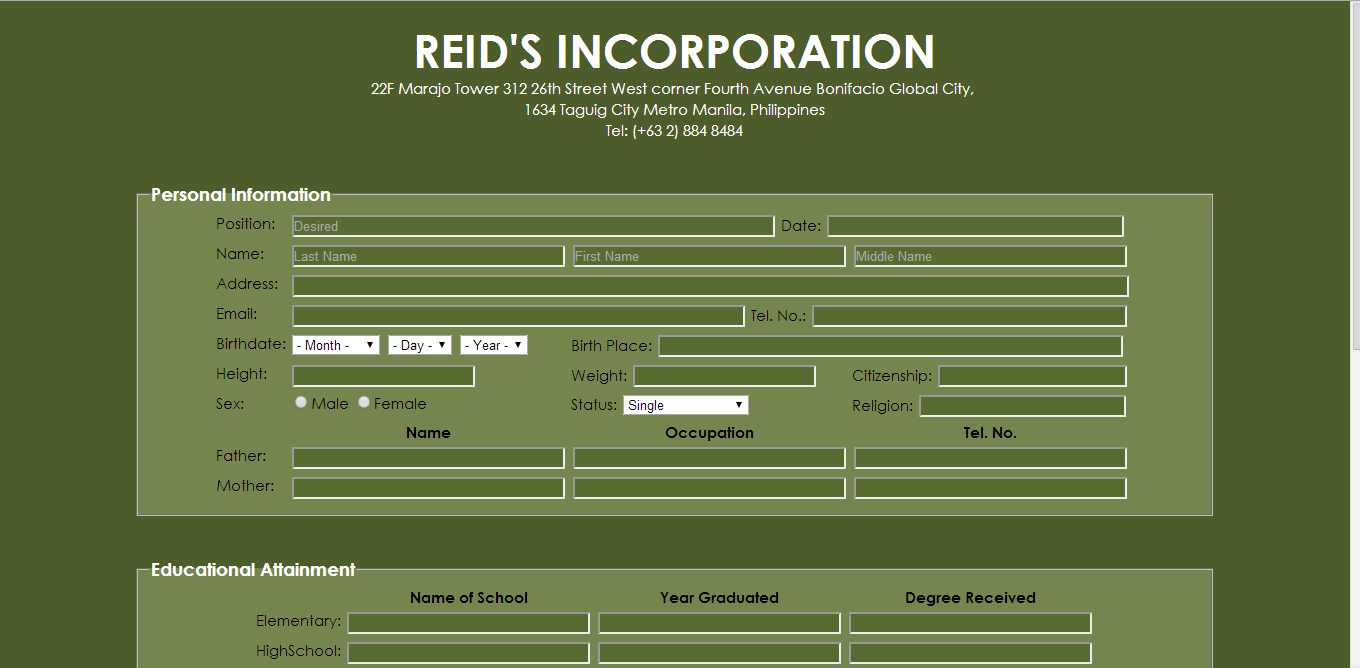
Biodata
This is our activity in HTML Forms, I used different HTML Forms in this activity including radio buttons, check boxes, text fields and submit button.
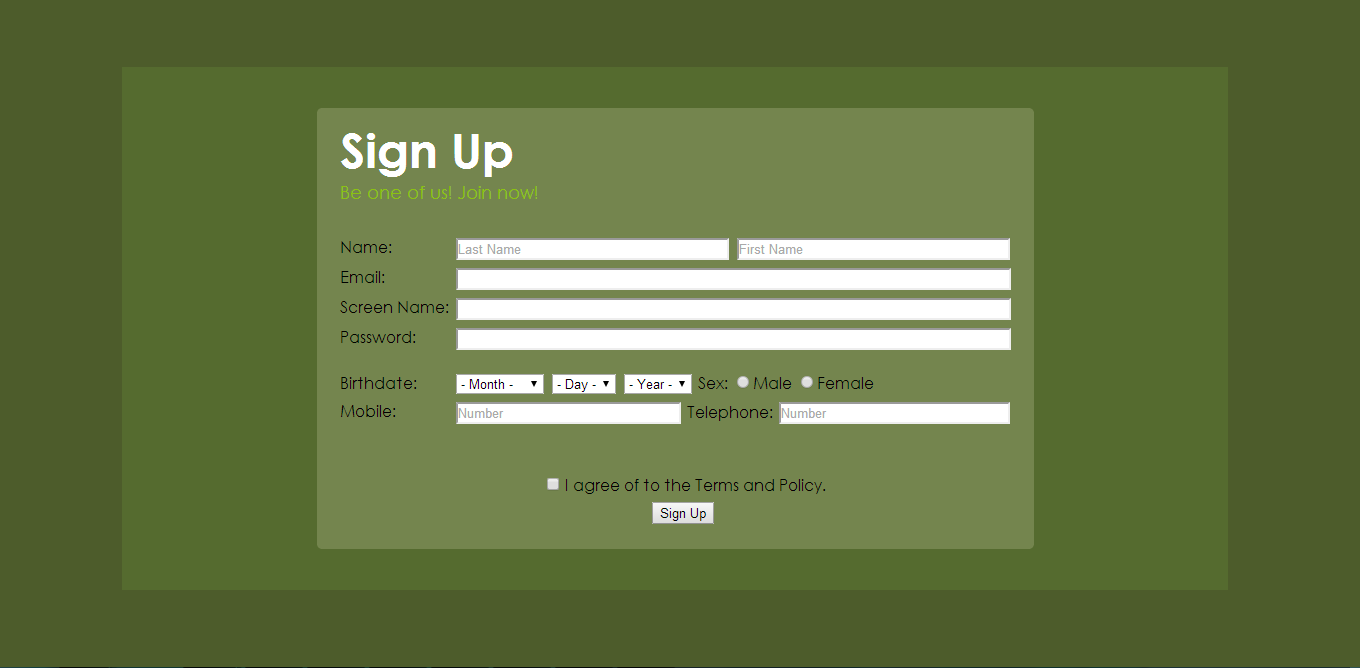
Sign Up
This Sign Up form serves us our Periodical Test. We need to make and design our own sign up form in this activity using text fields and submit button.
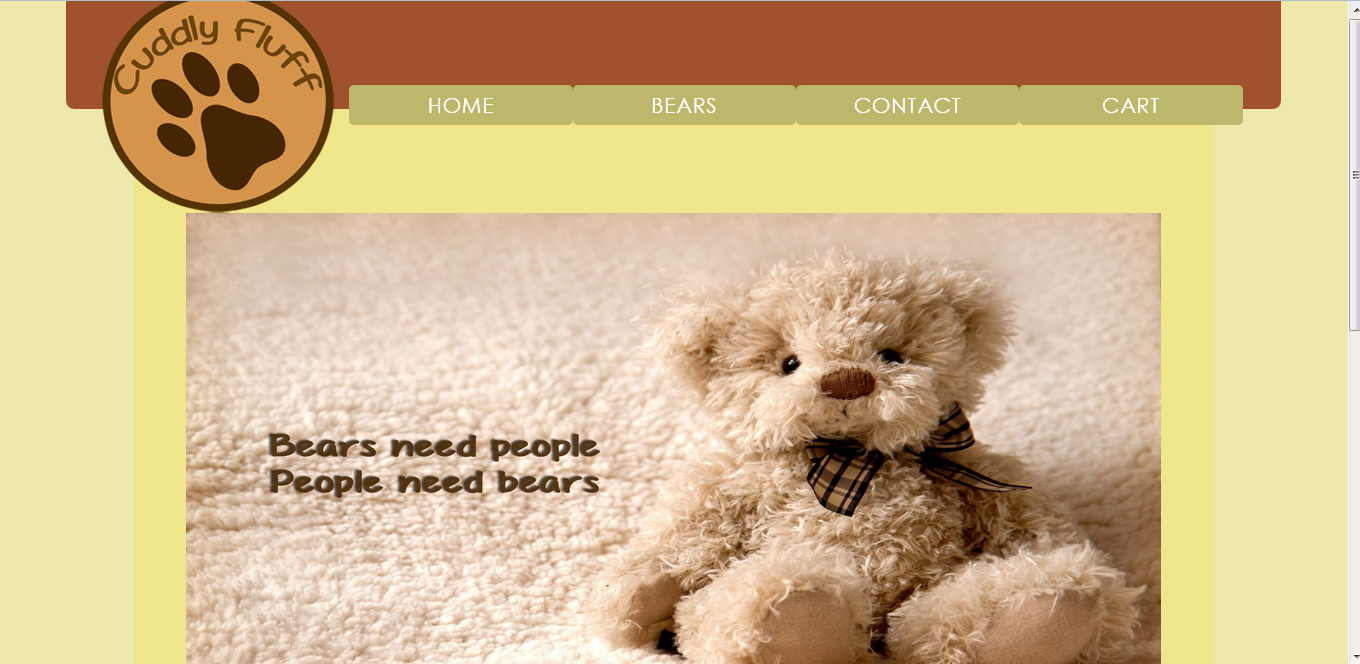
Online Store
This is our last project and we have to make our won online store with our own products. By using php we're able to encode the prices and other informations about our product.


