Mr. Van Horne's Academic Web Site
The AutoCAD Page


NEW for 2008/2009 School Year!
New for this year is the introduction of AutoCAD 2009. A select group of students have already been using this newer version and learning to transition from AutoCAD 2000 to AutoCAD 2009. Stay tuned for more information in the following months.
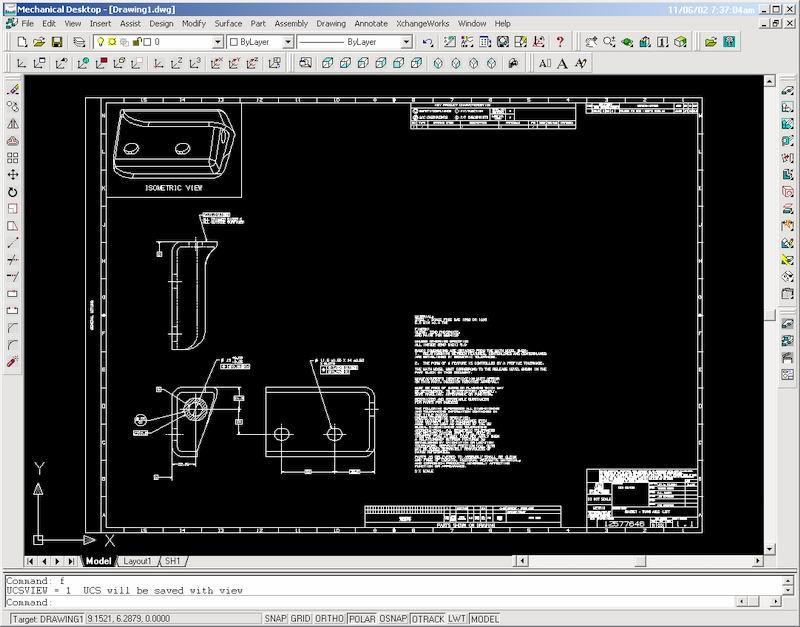
This page is dedicated to anyone looking to learn about the AutoCAD program. The program is made by the AutoDesk Company and is one of many programs used by designers, architects, engineers and students like you! AutoCAD is used to create drawings for business, industry, personal use, and education. This page provides links, to great sites that can help you learn AutoCAD, as well as a place to get a free trial of this $3000 program!
 The
Download Center for Students/Parents
The
Download Center for Students/Parents
Here you can download important
documents and other material
related to my Design and Drawing, Technical Drawing, or CAD class.
UNIT GUIDELINES (Find your class below)
|
UNITS |
For the Technical Drawing Class |
|
Download for the introduction of AutoCAD (setup, lines, basic dimensions) |
|
|
Download for continuation of introduction (angular lines and additional dimensions, layers) |
|
|
Download for continuation of introduction (model and paper space, zoom/pan) |
|
|
Download of advanced material (plotting, additional modify commands) |
|
|
Download of the points system used in AutoCAD
|
|
|
Download of all circle commands done in AutoCAD |
|
|
Download of circle dimension, circle offset, additional dimension tools, and fillet command |
|
|
Download of orthographic drawings, line types, and line scale |
|
|
Cartesian Coordinate System |
|
|
Isometric Drawings, setting up for iso-circles, iso-planes |
| UNITS | For the Design and Drawing Class |
| Basics 1 Download | Drawing setup, how to draw a line, and how to use simple dimensions |
| Basics 2 Download | Setting for different angles, grips, basic modify commands, additional dimensions |
| Basics 3 Download | More modify commands, layout, title block insertion, zoom and pan, text in the block |
| Basics 4 Download | Drawing simple circles, dimensioning circles, circle snap group, regeneration |
| Basics 5 Download | Trimming circles, using fillet in place of circle command |

Links Center
Visit these sites for more and
in depth information on the AutoCAD program
http://www.we-r-here.com/cad/tutorials/index.htm
http://www.autocadcentral.com/Tutorials/tutorials_index.htm
Visit here to see the AutoDesk web site and experience what they
have to offer!
Copyright 2008, J. R. Van Horne. All rights reserved.