 |
|
| Convert MPEG to AVI cont... |
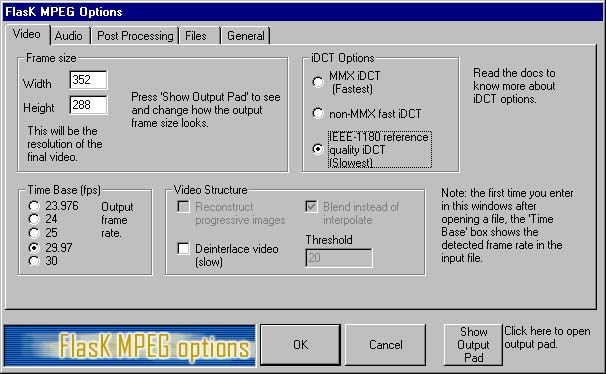
| Okay this is the other selection on the Options menu. I have only changed configuation on two tabs, Video, and Files. Everything else I left as is. For Video I changed the iDCT Options as shown...probably doesn't make a difference but I felt I would get better quality this way. ??? read the docs. (BTW the frame size and fps are pretty much standard TV) |
 |
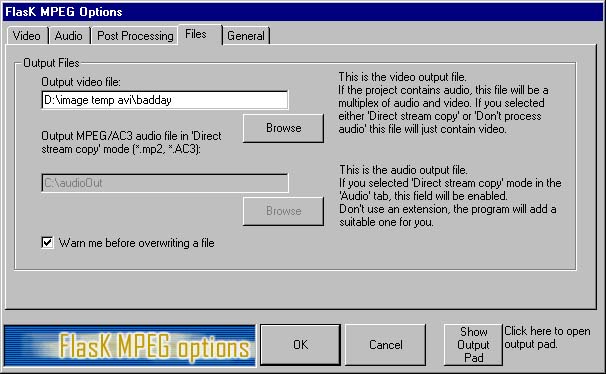
| For this I simply set my output file name and location. |
 |
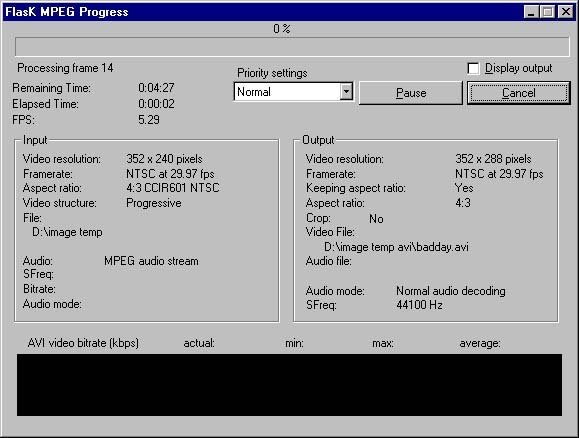
| I play the clip before I encode. but the encoding should look like this. |