Home Gallery Tutorials Downloads Other Stuff Links About Me Email
TUTORIALS
Space Scenes
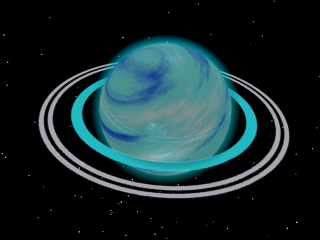
6. Make a planet similar to the Earth planet, but with no cloud layer. Give the planet a cyan gaseous material instead of the Earth like material, and make the atmosphere layer cyan and not baby blue. Now you should have a cyan gas planet. All it needs is rings. Open up your paint program. Create new image about 500x500 with a white background. Draw in your rings like you are looking down on them from the top. Save this image as rings.bmp. Create a mask for this image by painting all the rings black and leaving the background white. Save it as rings_mask.bmp. My image and mask is below.

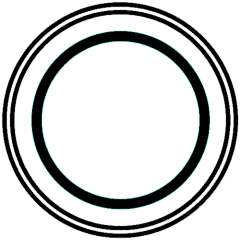
7. Now in Bryce again, insert the rings image and mask like in the 2D Image tutorial. Centre the rings around your planet and rotate them about 15 degrees. If the rings are too dull, increase their ambience in the materials editor. Otherwise they are complete!
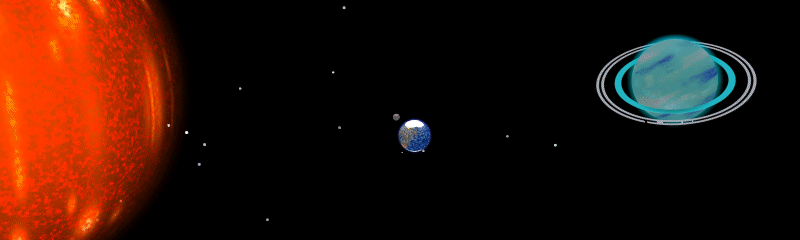
Insert all the objects we have made into one scene and scale them so everything is in proportion. And there you have it, a space scene! If you have any comments or questions send them to [email protected].
Best viewed in 1024x768 using Netscape Navigator
Copyright Michael Balzer 2000
[email protected]