 |
| SatinTutorial Page Two |
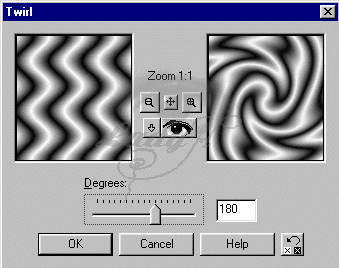
| 6. Next we are going to apply a Twirl. Goto Effects > Geometric Effects > Twirl and use the following settings. (Again you can play with the settings once you know the effect you are looking for) Degrees = 180 |
 |
| 7. Now add a new layer |
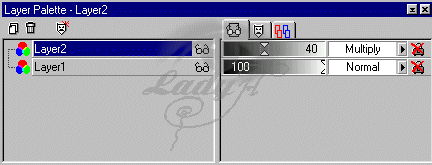
| 8. Choose your flood fill again and pick the color you like. After flood filling wiht your color change the layer blend mode to multiply and the layer opacity to about 30 - 40 %. (dont worry if this looks a little pale we will fix that later) |
 |
| 9. Merge layers. Layers > merge > Merge All.(flatten) |
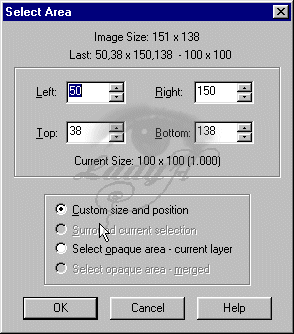
| 10. Using your selection tool double click it and use the following settings. Left : 50 Right : 150 Left : 50 Right : 150 |
 |
 |