 |
| Satin Tutorial Page Three |
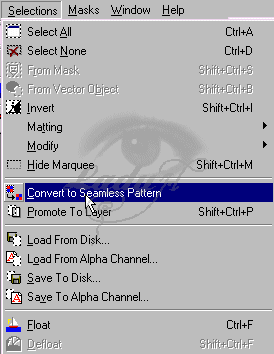
| 11. Next you need to make your selection a seamless pattrern. So goto Selections > Convert to seamless Pattern. You should get a small seamless tile. |
 |
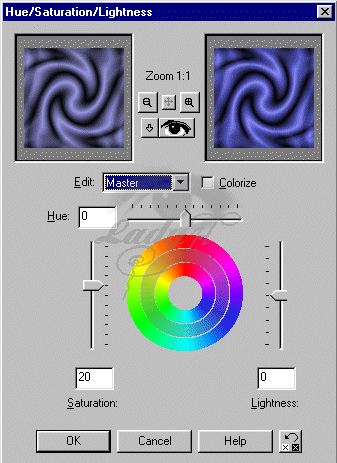
| 12. Ok now we can fix the color up. Got Colors > Adjust > Hue/Saturation/Lightness.and where it says Saturation change that to about 37. (this is one you can play with too). |
 |
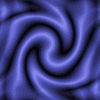
| And there you have a satin tile .... |
 |
 |