
|
The
Past
Master
Club
| 3D STUDIO WIZARD R2
| advanced computer training for engineers
| Author: Klaas Van Fleet
|
|---|
|
|---|
3D STUDIO VIZ R2 TRAINING CURRICULUM
Animating a Pump
| 1. | LINKING THE OBJECTS: (cont'd)
| | The 2nd set of pairs.
|
|---|
| | i. | Repeat all the above steps 1 - 6 for pin-link-wheel, wheel-link-gear, handle-link-rod
|
|---|
| | | and rod-link-gear.
|
|---|
| | NOTE:
|
|---|
| | The main Parent for the 2nd set of objects is the Gear; since, all the rotation is about Gear
|
|---|
| | - explained later.
|
|---|
|
|---|
| 2. | STARTING THE ANIMATION: |
|
|---|
| | a. |  Select the rotate icon. Select the rotate icon. | 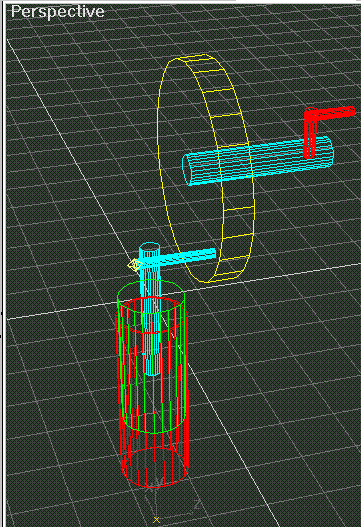
|
|---|
| | b. | 
|
|---|
| | | Restrict rotation to Y-axes.
|
|---|
| | c. | In the 'Perspective View' carefully place your
|
|---|
| | | cursor on the CamPoint and nudge it gently up
|
|---|
| | | and down to make sure that the 1st set of
|
|---|
| | | objects rotate in a plane parallel to the wheel
|
|---|
| | | about CamPoint.
|
|---|
| | d. | Also nudge the Gear up and down to make the
|
|---|
| | | 2nd set of objects rotate with the Wheel on an
|
|---|
| | | axes with the Gear's center line.
|
|---|
| | NOTE:
|
|---|
| | That the directions are opposite for the 2 sets and make sure everything is positioned
|
|---|
| | correctly to the world by undoing the last moves.
|
|---|
| | e. |  Turn on the animation button. Turn on the animation button. | 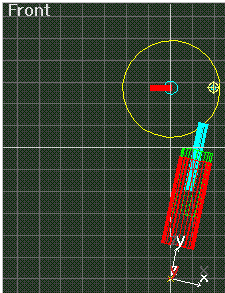
|
|---|
| | f. |  Set the time slider at 25. Set the time slider at 25.
|
|---|
| | g. | Carefully with your cursor push the Gear up to
|
|---|
| | | a quarter turn or 90 degrees.
|
|---|
| | h. | Carefully with your cursor pull on the CamPoint
|
|---|
| | | to rotate set 2 so that its axes aligns with the
|
|---|
| | | rotated Pin and CamPoint by eye sight
|
|---|
| | | - it doesn't have to be accurate yet.
|
|---|
| | i. | Carefully look in the 'Front View Port' to make
|
|---|
| | | sure that set 2 agrees in alignment, left, and
|
|---|
| | | adjust.
|
|---|
|
|


