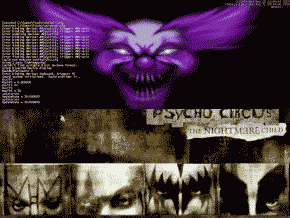
Into The Void
Before Playing - Items
- Tweaking
Tips and Cheats - Single
Player
|
Before You Play After the few file updates and setting various game settings, you may find you are still experiencing poor multiplayer gameplay. Play with these settings and see if you don't get some results. Please note that these are not definite fixes, only suggestions and tips that players have tried.
Here's some settings that can be found in the advanced menu of the Psycho Launcher (the menu that comes up when you first put the cd in). If you check th "Disable Movies" box there, the game will start a bit faster. Try turning off a few of the game display options. Things like "lightmaps" and "fog" create more work for your PC. Turn them off... maybe it'll help the game run smoother. Disable the music too, then throw a few KISS cds in the changer! Lowering your resolution may dramaticly increase performance. Found
in the display menu of the Launcher.
|

|
During Play Settings can also be adjusted in the game console while you play. Bring the console up by pressing the tilde key ( ~ ), type in the command, and press enter.
Here's a few commands that you can try.
|