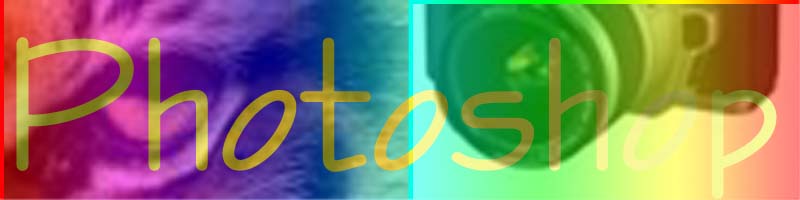
| I began with this image: |
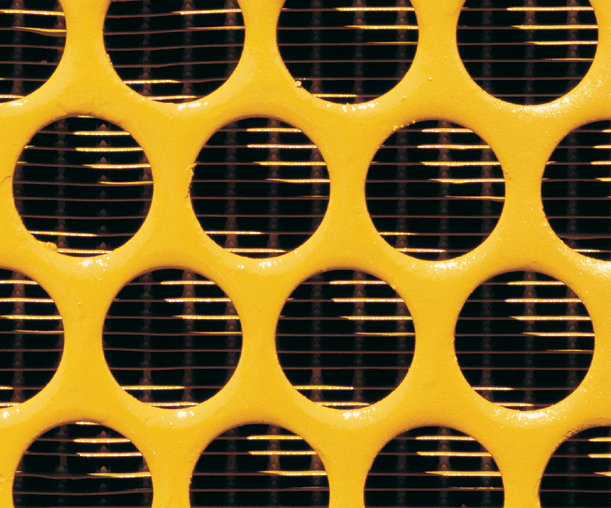 |
| I then created a layer clipping path by cutting out
the grill portion of the image. |
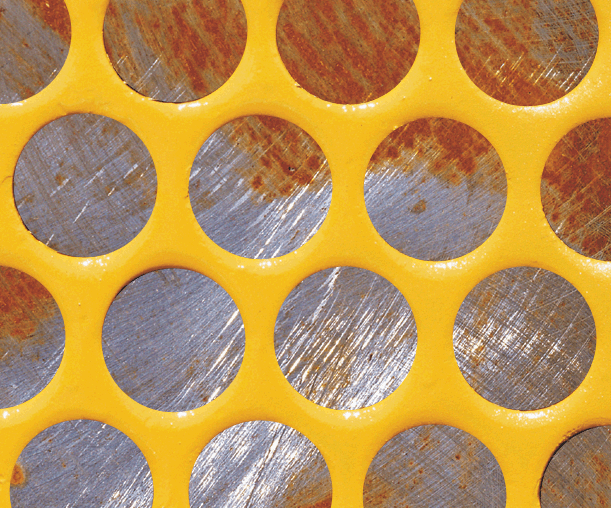 |
| I then altered the tone of the image by creating an
adjustment layer. |
 |
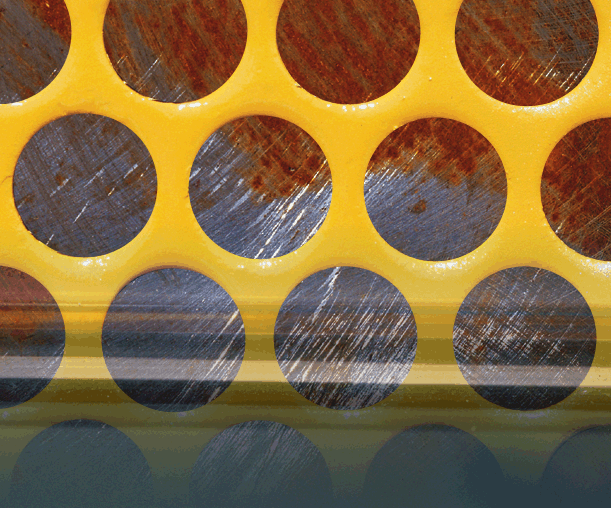
| I then created a knockout gradient directly under the
rust and grill gradients, to make the layers below these become semi-visible. |
 |
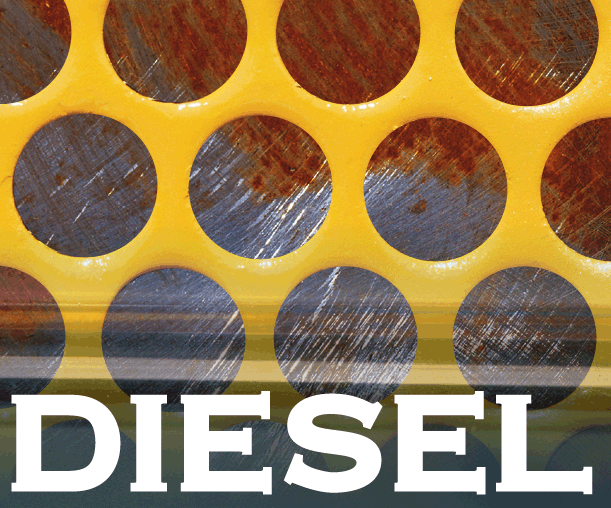
| Using an additional supplied image, I imported it and
positioned it at the bottom... |
 |
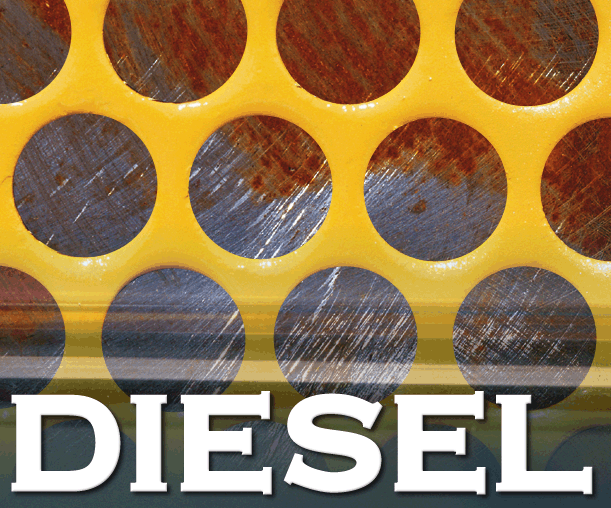
| ...added an effect that made it appear to lift off of
the image... |
 |
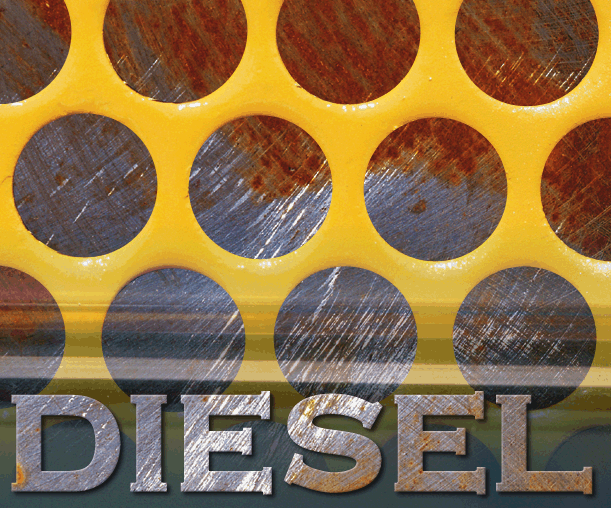
| ...and gave it a texture imported from the Rust layer
of this image. |
 |
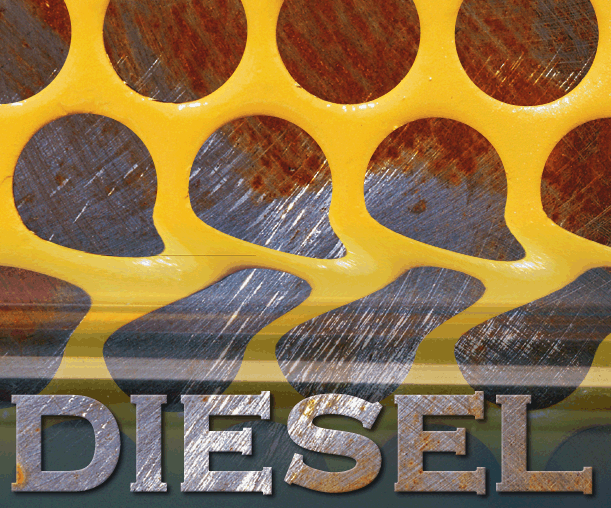
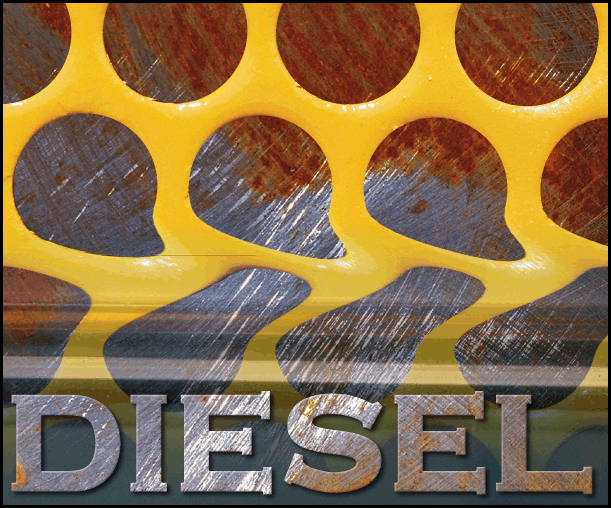
| I then liquified the metal grill level, at the point
where the other images begin to fade in... |
 |
| ...and flattened the image to give it a more professional
look. |
 |