| This particular chapter dealt with paths. Due
to its technical simplicity, I am unable to list its steps in a step-by-step
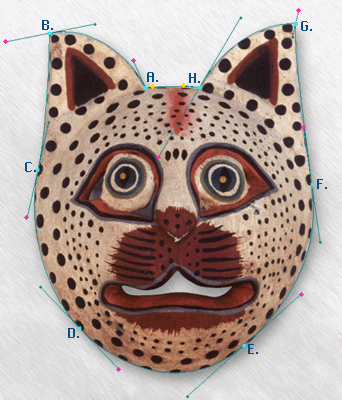
image format. Basically, using the image on the left, by drawing paths as
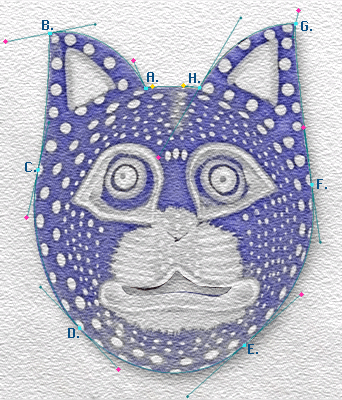
indicated on it, I was able to select and modify only the mask itself, not
the grey inside the mouth or to the outside. At the points of the mask where
the curve turns at an angle sharper than 90°, I had to perfom an ALT+click
to change direction without adversely affecting the curve. The letters beside
the black dots indicate points where I clicked on to start a path, and the
red dots indicate the points that I drug to make the curves around the edges
of the mask.
|