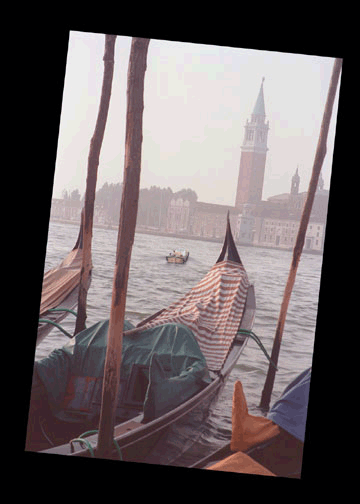
| I began with this image: |
 |
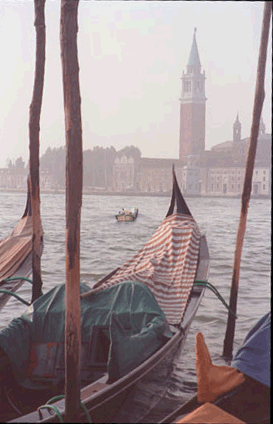
| I then cropped the portion of the image I wished to
keep. |
 |
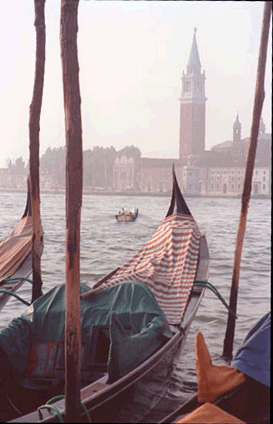
| I then adjusted the contrast... |
 |
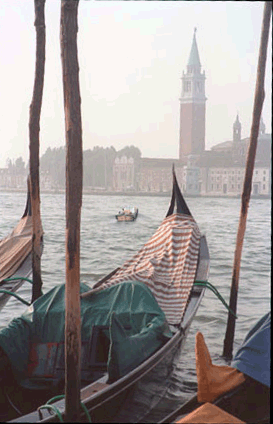
| ...and balanced the color, removing the redness from
the photograph. |
 |
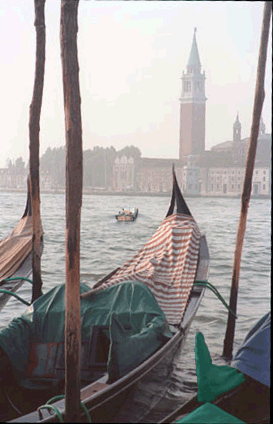
| I then selected the tarp and, using the Replace Color
command, changed its color from Orange to Green. |
 |
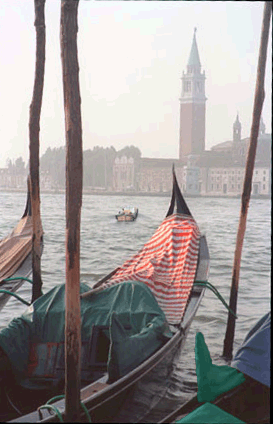
| I then used the sponge tool to saturate the color of
the flag... |
 |
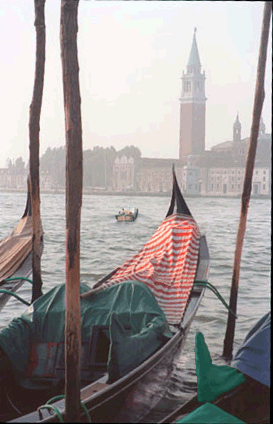
| ...and the Dodge tool to increase the reflectiveness
of the ship's hull. |
 |
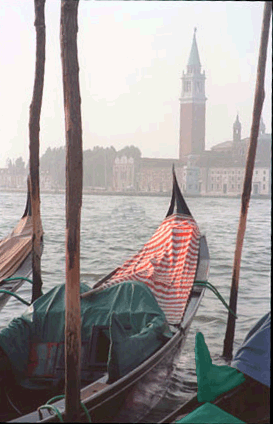
| Using the Clone Stamp, I removed the other smaller boat,
replacing it with water to blend it in with the image. |
 |
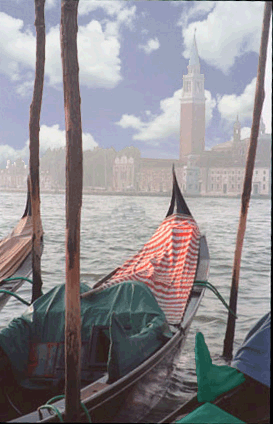
| I then selected the previously empty skyline and pasted
clouds into it. |
 |
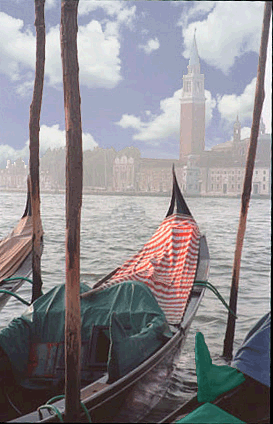
| Finally, I applied the Unsharp Mask, to adjust the contrast
on the edges of the image and make it appear more focused. |
 |