| I began with this image: |
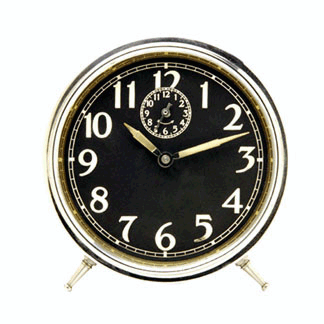 |
| I then used the Magic Eraser to remove the background,
and drug the clock over to this image. |
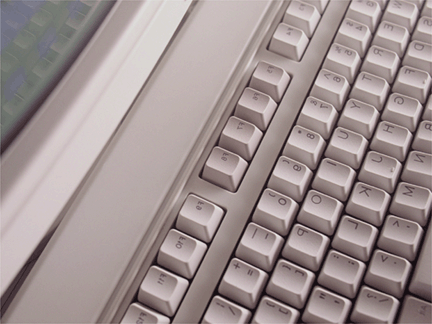 |
| I then made visible and rearranged the other layers
of this image, resulting in this. |
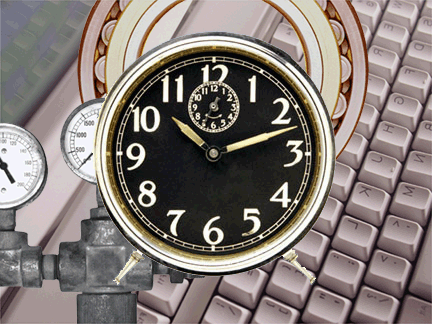 |
| I then adjusted the opacity of the clock layer to 50
percent. |
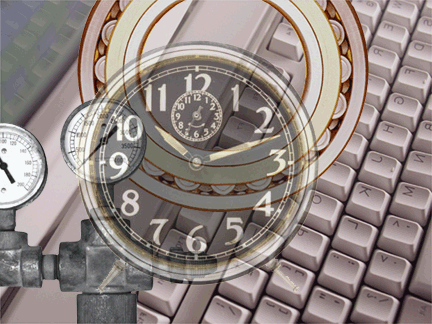 |
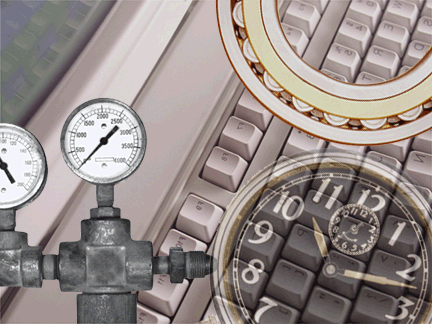
| I then linked together, moved, and adjusted the rotation
of the Clock and Bearing levels, resulting in this image |
 |
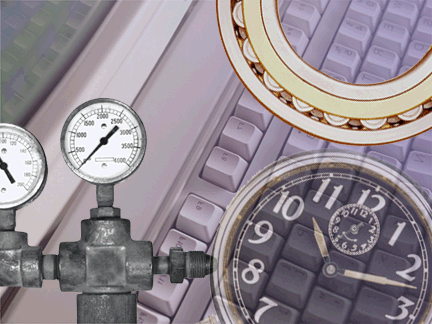
| I then created a layer above the keyboard layer, and
applied a gradient to it. |
 |
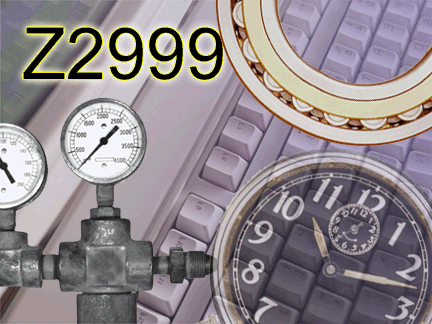
| I added the text, Z999, to the upper-lefthand corner
of the image, and finally added a style to the layer. |
 |
|