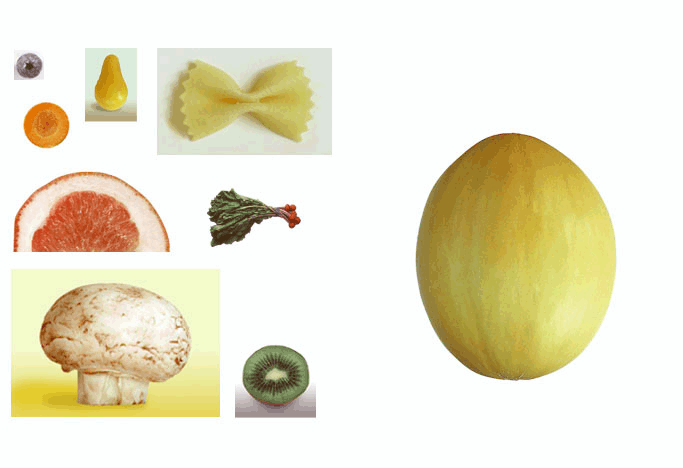
| I began with this image: |
 |
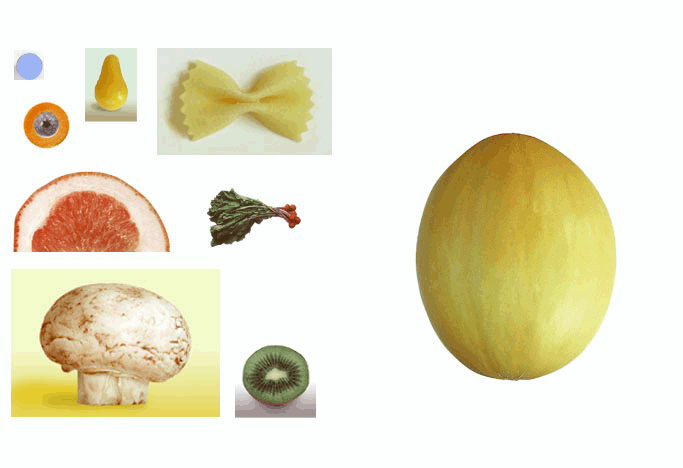
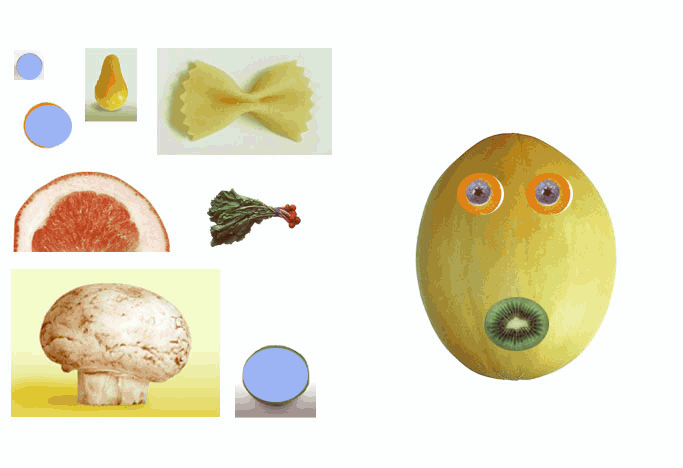
| I used the Elliptical Marquee tool to drag the blueberry
over the carrot, making an "eye". |
 |
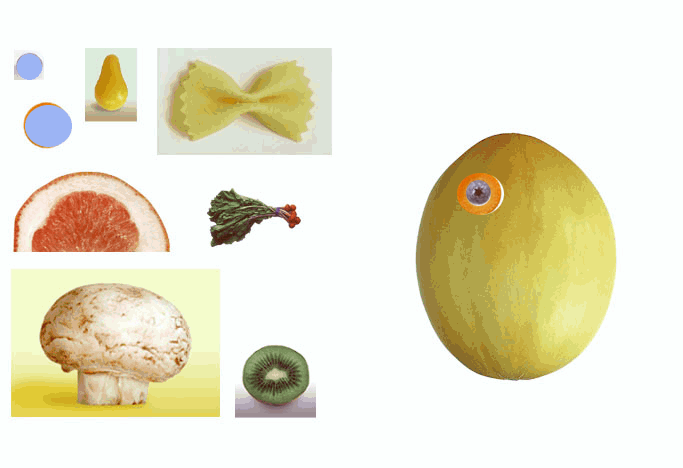
| I then took the eye and moved it to the melon "face"
using the Pointer tool. |
 |
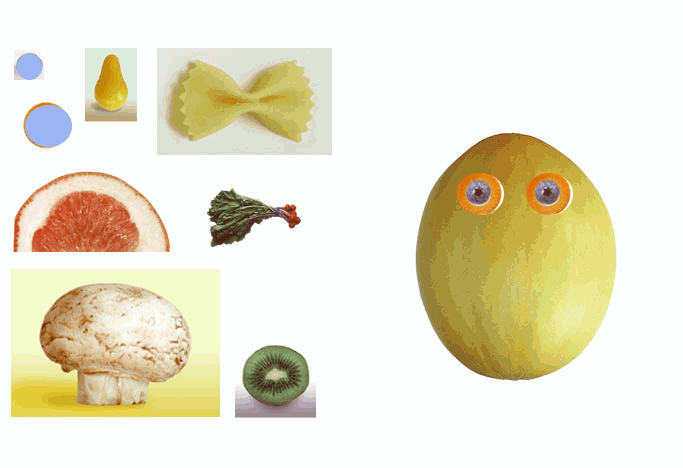
| Still using the Pointer tool, I made a copy of the eye
and put it on the opposite side of the face. |
 |
| I then used the Elliptical Marquee tool to select and
drag the kiwi "mouth" over to the face. |
 |
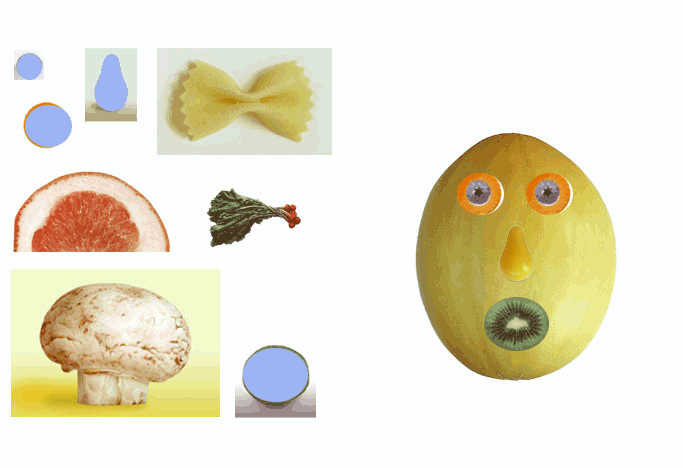
| Using the Magic Wand tool, I then selected the entire
pear "nose" and drug it to the center of the face. |
 |
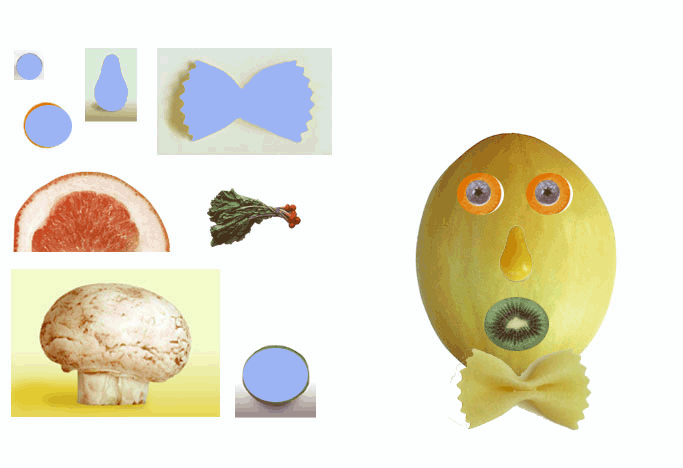
| Then, using the Lasso and Polygonal Lasso tools, I moved
the pasta "tie"... |
 |
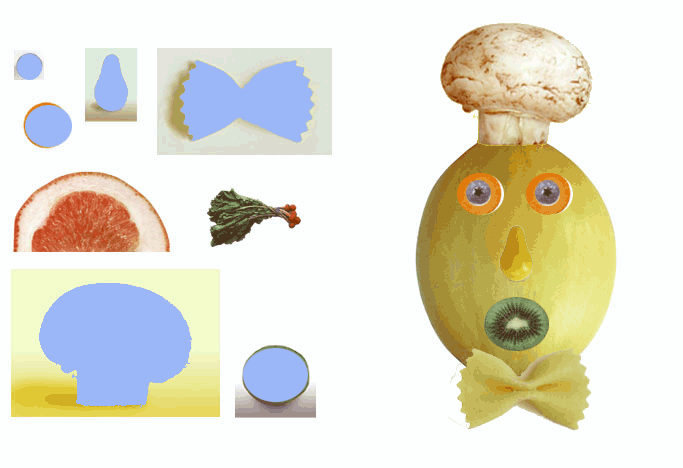
| ...and the mushroom "hat" over to the face. |
 |
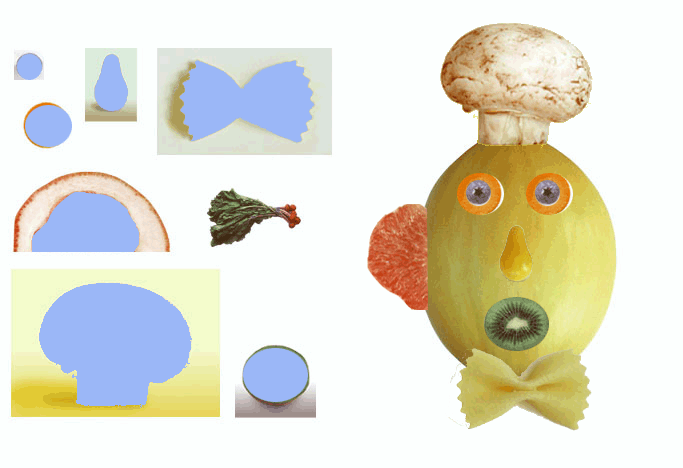
| I then used the Magnetic Lasso tool to select the non-rind
portion of the grapefruit and made it into an "ear". I then
dragged and rotated this selection, and fitted it onto the face. |
 |
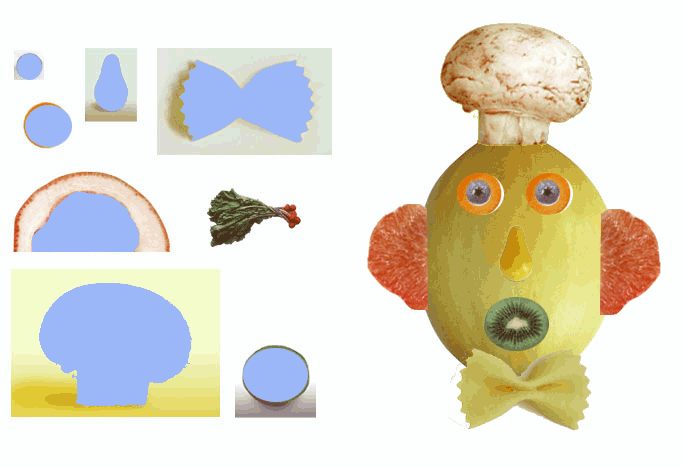
| I then made a copy of it with the Pointer tool, and used the Transform:
Flip Horizontal command to make an ear for the other side. |
 |
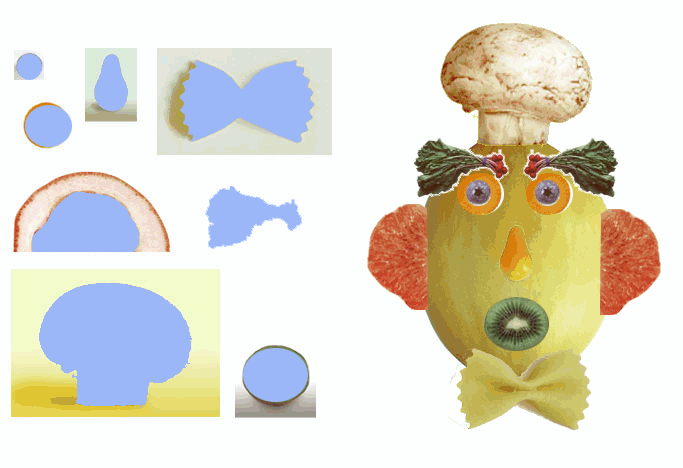
| I then selected the radish "eyebrow" and drug it to the
face, then copied and flipped it in a similar manner to the ear. |
 |
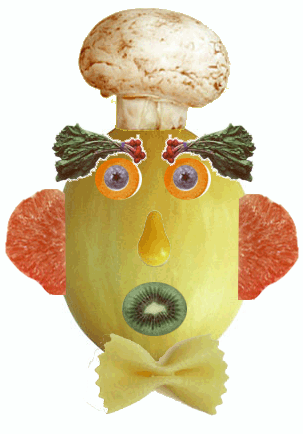
| Finally, I cropped away the remainder of the image, to clean it
up. |
 |