
Downloads
|
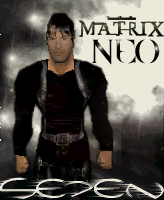
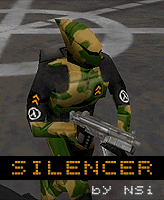
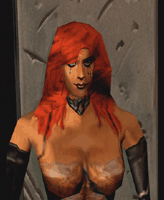
Skins Click on the picture to download |
 |
 |
 |
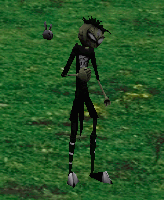 |
| Neo | Silencer | Dawn | JTHM |
 |
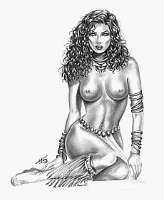 |
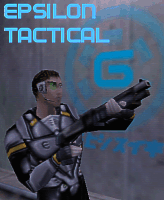 |
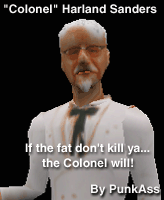 |
| Teletubby | Sade | ETAC | Colonel_Sanders |
 |
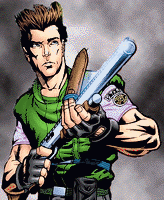 |
 |
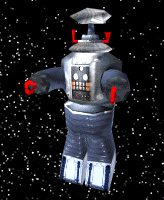 |
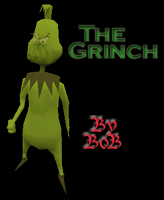
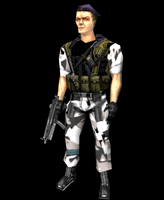
| Buttercup | Chris | Grinch | Robot1 |
 |
 |
 |
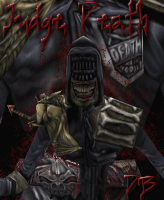 |
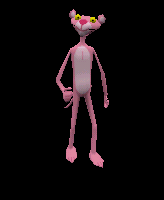
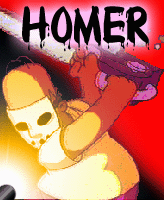
| Pink_Panther | Kermit | Homer1 | Judgedeath |
 |
 |
 |
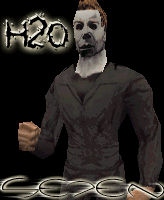 |
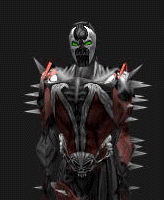
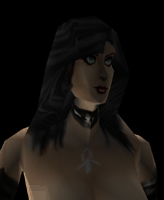
| Spawn | Rcon | Bad_girl | H20 |
|
Maps With the addition of the player statistics page I have had to take out many maps due to the limited space that the site allows. Many maps can be found using the links to other sites. Click name to download |
|
Name |
Creator |
| WtFistHis |
CoCoPoP |
| HideNSeek1 | CoCoPoP |
| TLC2 | CoCoPoP - Door Fix |
| MOH_Village | CoCoPoP |
| PoP | CoCoPop |
| Lab2 | CoCoPoP |
| lab.ZIP | CoCoPoP |
| USAF.zip | CoCoPoP |
| depot1.zip | CoCoPoP |
| tres.zip | CoCoPoP |
| atlantis.zip | CoCoPoP |
Installing Skins
Create a folder in the C:\Sierra\Gunman\rewolf
\models\player file. Make sure to name is spelled exactly like the skin name that was downloaded. Unzip downloaded file and move to the new folder.
The skin can be changed from the customize location at start of game or using the model command from console during game play.
example model name
Installing Maps
After downloading the map, simply unzip to game folder C:\Sierra\Gunman\rewolf\maps
Maps can be changed during game play from console by using the following command,
example changelevel name
There are many
great maps that can be played and some must be downloaded from server due
to customized feature in the map. I only have limited space for the
site and have just put up a few for downloading.
