This tutorial intends to help
you learn the basic techniques employed in the creation of the 3D animation: The
Hunter - Iria the Computer Animation, which was created on a bedroom PC.
In
part 1 we discussed Preparation
In
part 2 we covered story boards
In
part 3 we briefly look at Myce Port
In
part 4 we made Hijime castle
Now
we turn our attention to Interiors .
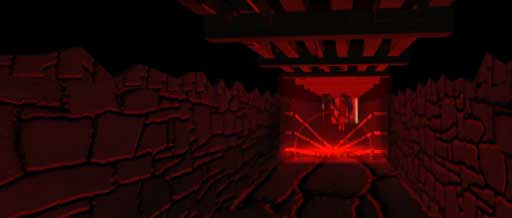
Tutorial
Part 5:
Environments: Interiors
Thankfully
the Interiors are most simple things to model All you really need to do is create
some boxes for corridors and for rooms and stick material maps on them.
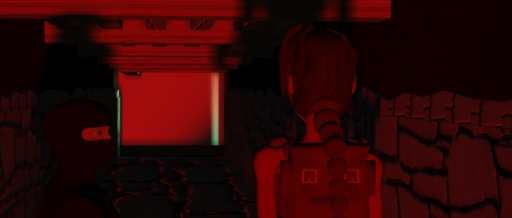
You can create shiny surfaces, stone work, wooden beams and concrete by using
simple bump and texture maps.
Be warned thought
that using these maps may slow down rendering time of your images if you are using
a really slow computer like the one I used.
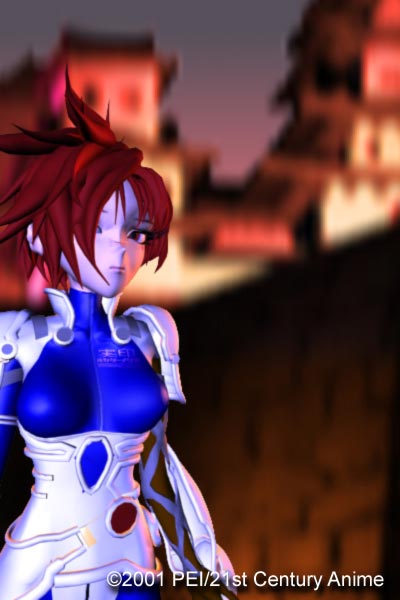
Careful attention must be paid to the lighting of your interiors, as you will
be filming your characters here. If you use ray traced shadows with your lights
the rending time will be drastically increased, so be sure not to position your
lights too far from what you are trying to illuminate and be sure to keep your
shadows to a minimum.
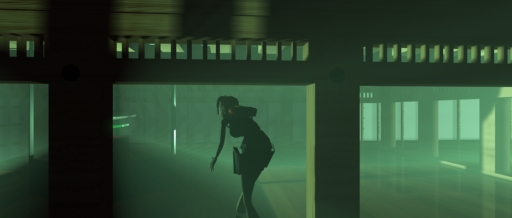
If you are using software that allows you
to specify whether an object casts shadows or not, this is a bonus as you can
decide which lights will affect which objects and keep your rendering time down
to a minimum.
Next: Tutorial Part VI: Weaponry
Download
The Hunter (MPEG-4 or MPEG-1) here.
Iria
(c) 2001 BANDAI VISUAL et al
*Miss
Croft is based
on Eidos Interactive's Tomb Raider series