Photoshop
Filters
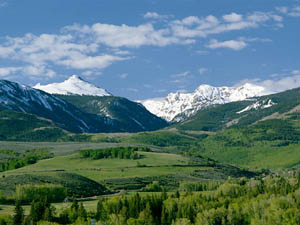
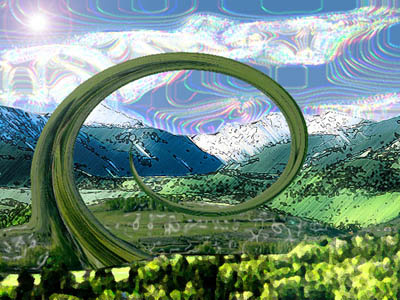
Selected picture of the Rockies and split the picture into 4 foreground layers (layer via copy) plus an additional layer for the sky, the background was deleted.
- Foreground layer 1: Filter>Artistic>Fresco, Brush size 1, Brush detail 9 and texture 1.
- Foreground layer 2: Filter>Distort>Twirl, Angle 999�.
- Foreground layer 3: Filter>Artistic>Plastic wrap, Highlight strength 12, Detail 11, Smoothness 8.
- Foreground layer 4: Filter>Brush strokes>Ink outlines, Stroke length 26, Dark intensity 20, Light intensity 11.
- Sky layer: Filter>Artistic>Paint daubs, Brush size 39, Sharpness 36, Brush type Sparkle.
- Filter>Render>Lens flare for sun effect.
Flattened image.