
Photoshop
Using Selection Tools
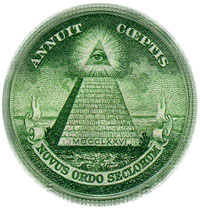
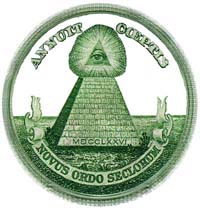
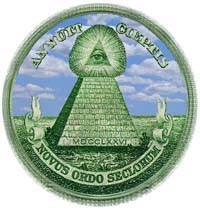
For this exercise I chose a pyramid picture taken from a stamp, used by the founders of the USA to signify the beginning of the new American era back in 1776. I also used the Big Sky tif. My goal was to remove the sky part of the original picture and replace it with the blue-sky sky. Firstly I used the magic wand tool to select the elements of the sky that I wanted to remove, using the shift key in tandem with the wand to select the areas between the lettering and the scroll. The next step was to open the Big Sky tif and to select the entire picture (Ctrl-A), close the sky GIF and then use the Edit > Paste into command to insert the sky. Using the move tool I was able to place the sky in the position I liked best. |
 |
 |
 |

