Saving a sketch
- You must be in the Studio to save a sketch.
- While the sketch is still on the drawing board, or if
this is your own sketch and you are finished for the
session, click on the SAVE button.
- The text "/FILE SAVE" will automatically appear on the
text input box. Leave a space and enter any one-word title
you would like to name the sketch. Press ENTER.
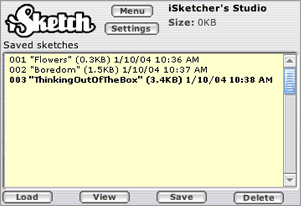
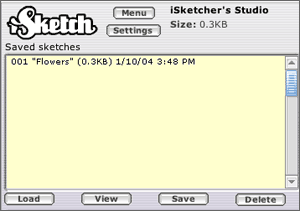
- The file will now show on the "Saved Sketches" window.
The files are saved on the particular computer you are
using, and not on the iSketch server. Don't worry if you are
only partially finished with your draw. You can load it again
later and update it!
|