
Paint Shop Pro Advanced
Week One - Part 3
Objective #9 Retouch Tools


Original Image
I used the Smudge Tool to make the original look like a painting.
Objective #10 Selections
Objective #11 Align and Non-Align Clone
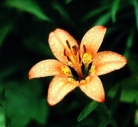
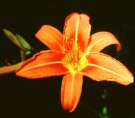
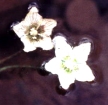
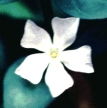
Original Images
I turned on the visibility of the layer that I wanted to clone and turned off the visibility of all the other layers. I opened a new image with a black background. I then used the Clone Brush both with the Align and Non-Aligned options depending upon placement of the clone. I cloned flowers from all four images using various layers from each image.
I cropped the above images from larger images. I selected the flowers using the magic wand. I then promoted the selected flowers to a new layer that had transparency. I turned off the visibility of the background layer which left only the flower visible. I duplicated the flower layer a couple times. One of the duplicate layers I reflected. The second duplicate layer I rotated 30 - 45 degrees.
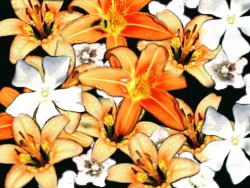
Final Image