
Paint Shop Pro Advanced
Week One - Part 2
Objective #6 Create Gradient
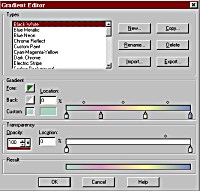
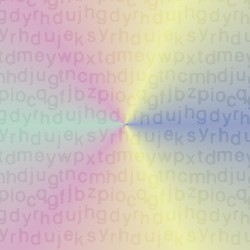
I created this gradient using the settings above. I used radiant, normal blend, letters texture, and RGB Value match mode.
Objective #7 User Defined Filters
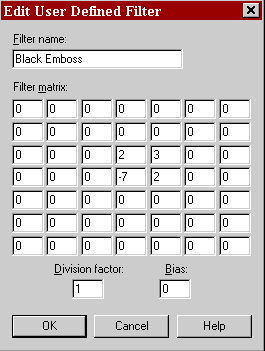
Black Emboss
Accent Edges
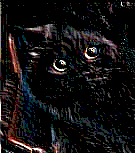
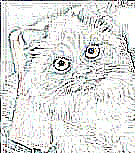

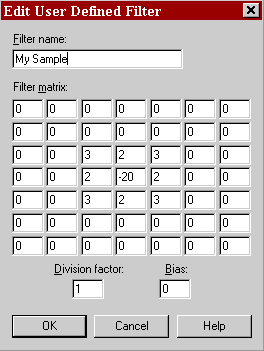
I also inverted the colors. If I had put -19 in the center square, the image would have been white like this one.
It appears that if the center number is greater or equal to the opposite of the sum of the surrounding numbers, the image will be black.
Original Image
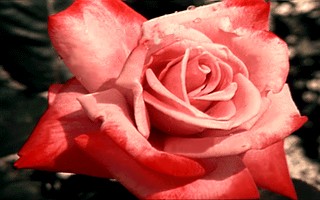
Objective #8 Clone Brush
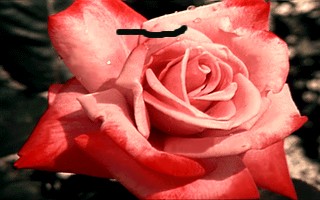
Original Image
Corrected Image