11.�Go to your 'Selection' tool, select the rounded rectangle shape, antialias on.
With the 'Frame' layer active, select a rectangle somewhere in the upper left corner of the image, approximately width : 130, height : 160.
�Go to 'edit' and 'cut'.
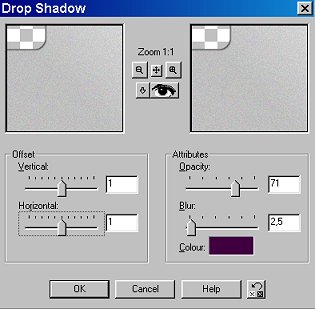
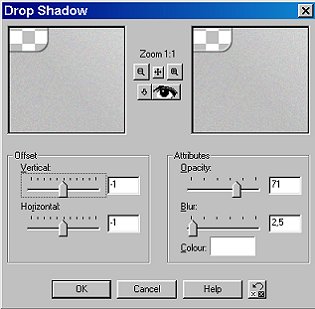
12. Go to 'Effects', '3-D effect', 'Drop Shadow' :
�� - first
�
��- then
�
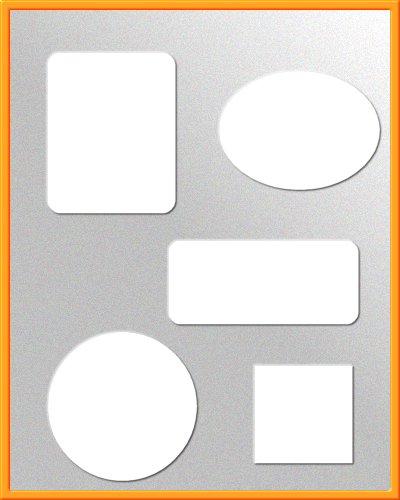
13.� Repeat this about five or six times - depending on the number of photos you want to display. Don't forget to change your selection shapes.
14.� Here is what my image looks like at this stage :
�
We're almost there !